Max players controls how many people can be online at once on your Hytale server. If you increase this, make sure your plan has enough RAM and CPU to handle it.
This setting is stored in your main server config.json in the root of the server files.
- Go to the Hytale server you want to change, click the Files tab, then locate the main
config.jsonfile (in the root directory) and double click it to open.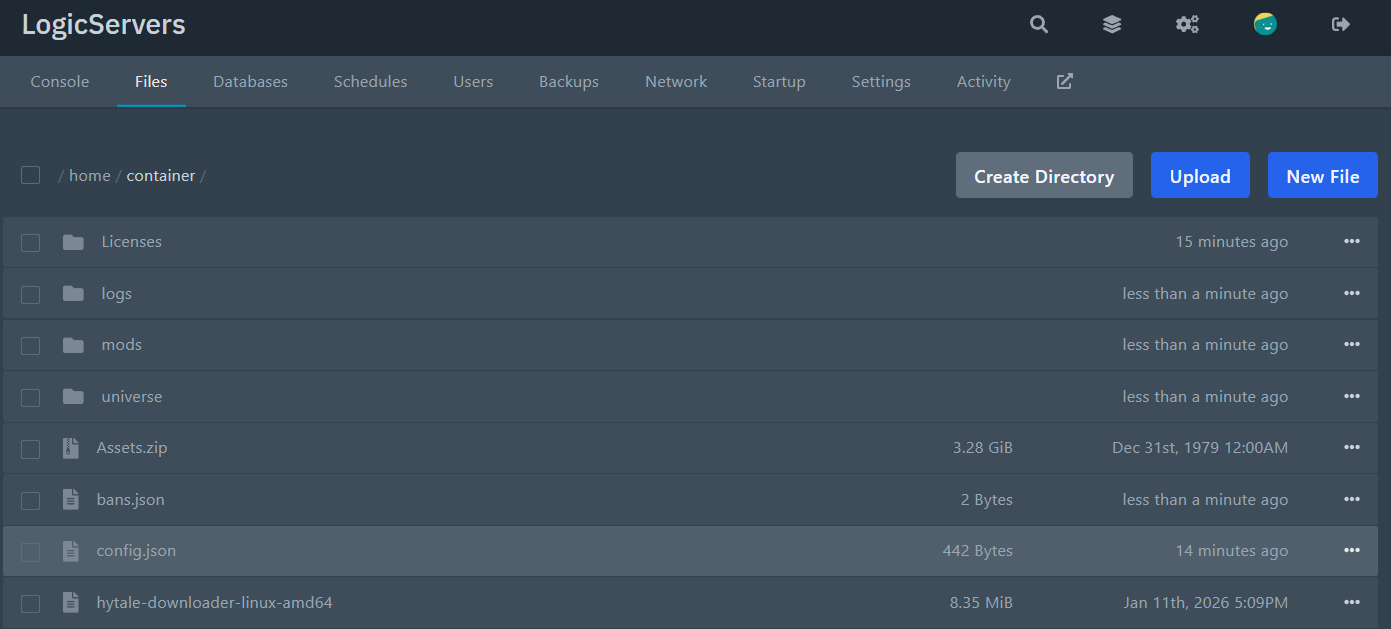
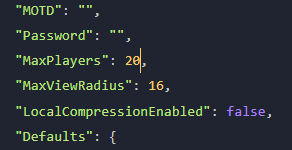
- Find the line for max players:
"MaxPlayers": 100, - Change the number to what you want. Example:
"MaxPlayers": 20, - Save the file, then restart your server to apply the change.
NOTE: IF your server won't start, then JSON formatting is most-likely broken. Try running the file through a JSON validator online, or contacting our support to look.
