Deleting player data resets a player back to a fresh character on your Hytale server (inventory, position, progression, etc.). This is handy for fixing a stuck/broken character, clearing an inventory, or forcing a clean re-join.
- Stop your server. Take a backup first, if you delete player data, you cannot restore it without backup. You can use our backup guide here: How to backup your Hytale Server.
Do not delete player files while the server is running, as it can re-save the data or corrupt changes.
- Go to your server, click the Files tab, then open
universe/players/. On our test server we only have a single player.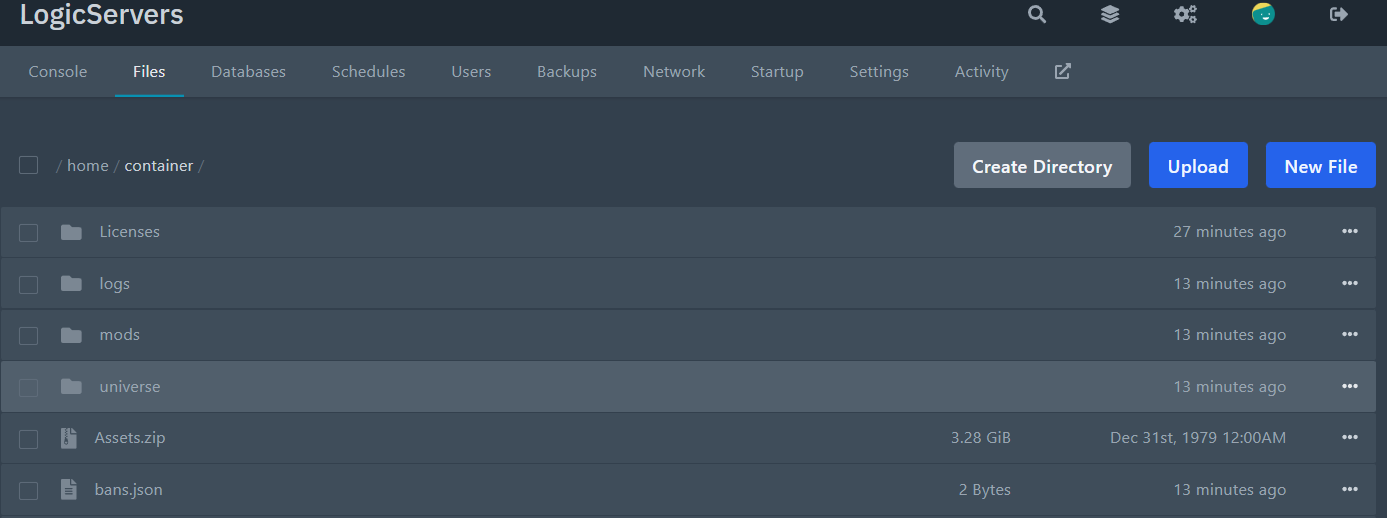
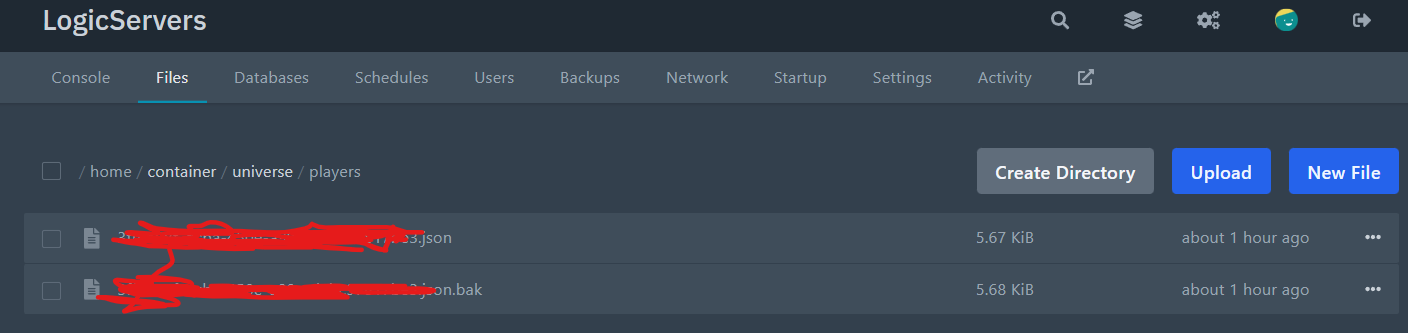
- Find the correct player file.
Player data is stored as
.jsonfiles (usually a UUID as the filename). If you are not sure which file belongs to the player:- Quick method: start the server, have the player join once, then stop the server again. The newest "Modified" file is normally theirs.
- Confirm method: open a candidate
.jsonfile and look at the "Nameplate" part, it will have their name.
- Delete the player’s
.jsonfile (and any matching.bakfor the same filename, if you want, this will just get overwritten if they join again). - Start the server again.
When the player joins, Hytale will generate fresh player data for them.
Resetting everyone: if you want to wipe all player data, delete everything inside universe/players/ (or the folder itself), then start the server. Same warning applies: backup first.
Note: the default player data location is universe/players. This can be changed if the server is configured to use a different player storage provider/path, but the default Hytale config uses this folder.
