
Wiping and resetting a Rust server are the same basic workflow: remove the current saved data so the server starts fresh. Use the Wipe Server tool for normal map wipes, and only remove player or blueprint data when you specifically want that progress reset too.
- Open your Rust server in the control panel.
- Take a backup first.
- Stop the server.
- Click Wipe Server on the left side menu.
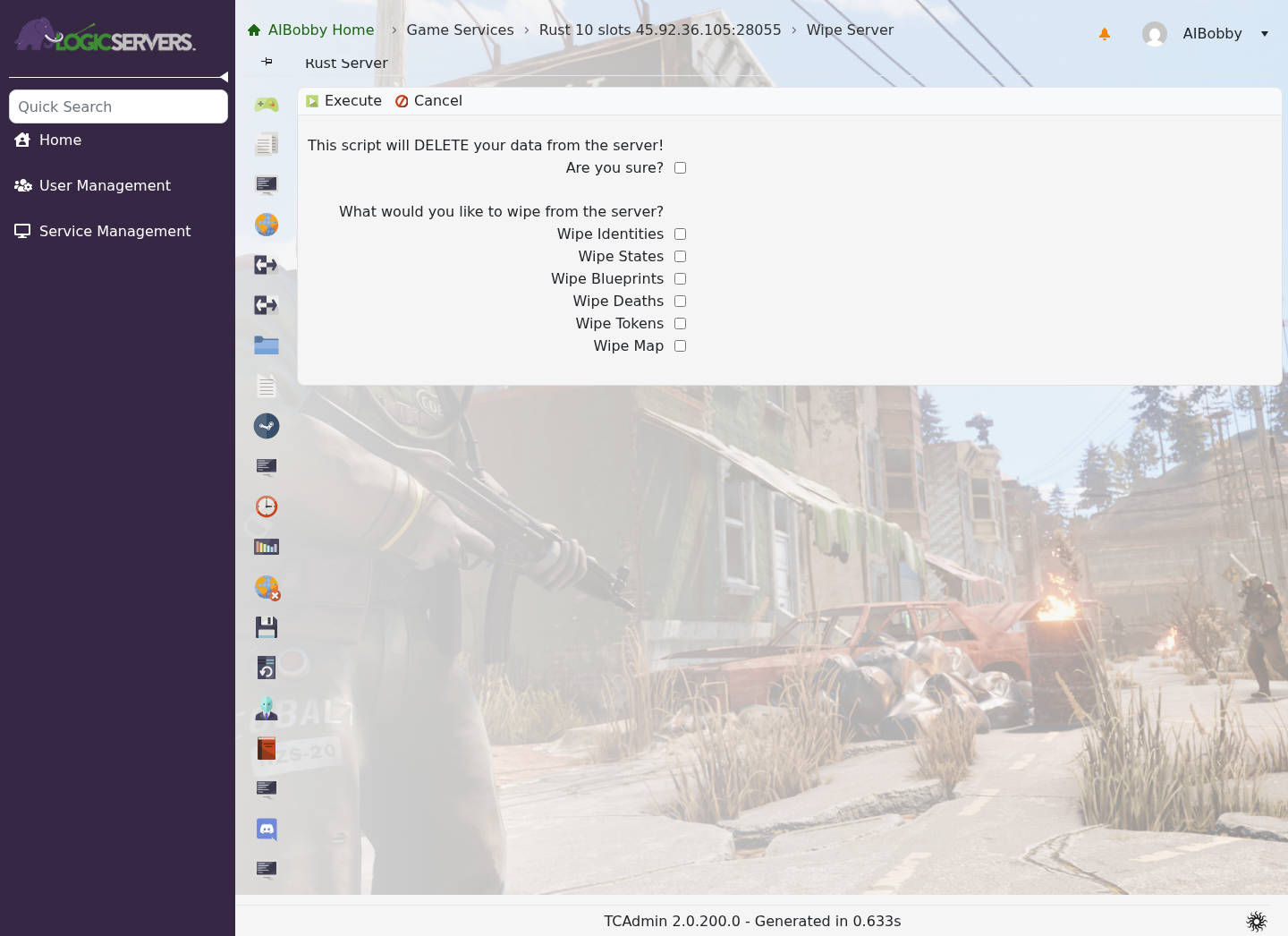
- Choose the wipe options you want, then click Execute. For a normal map wipe, wipe the world or map data only.
- Wait for the wipe task to finish.
- Start the server.
A normal map wipe is enough after changing seed or world size. If you also need to remove player state or blueprints, stop the server and remove the relevant save data from the server identity folder in File Manager, then start the server and test. Do not delete plugin configs unless you want to reset plugins too.


