
You can join your Vintage Story server using the address shown on the Console page of your control panel.


  1. Open your Vintage Story server in the control panel.
  2. On the Console page, copy the server address shown on the right side. You can click the address box to copy it.
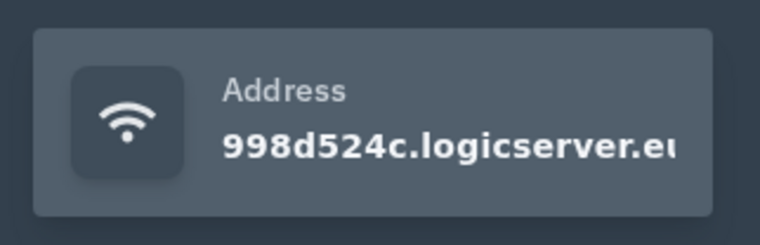
    Vintage Story server address in the control panel

  3. Open Vintage Story on your PC.
  4. Go to the multiplayer server list, then add or join a server using the address from your control panel.
  5. If your server has a password enabled, enter it when the game asks for it.


If the server does not show online straight away, make sure it is started in the control panel and give the server list a short time to refresh.


  • 0 Korisnici koji smatraju članak korisnim
Je li Vam ovaj odgovor pomogao?

Vezani članci

Installing mods on your Vintage Story server

Vintage Story server mods should be uploaded to the server's Mods folder. Always check the mod...

How to backup your Vintage Story server

A backup gives you a restore point before changing mods, updating versions, or making larger...

How to restore your Vintage Story server from a backup

Restoring a backup rolls the server files back to the point where that backup was created. This...

How to update your Vintage Story server

Vintage Story updates are handled through the server egg and reinstall process on the control...

How to change the max players on your Vintage Story server

The max player count for your Vintage Story server is controlled from the Startup page.  ...
