
Minecraft worlds, player inventories, plugin data, and modpack files can change while the server is running. Stop the server before taking a backup if you are about to update, install plugins, change modpacks, edit worlds, or reset player data.
Back up the Minecraft files
- Open your Minecraft server in the Ptero control panel, then open Backups.
- Click Create Backup.
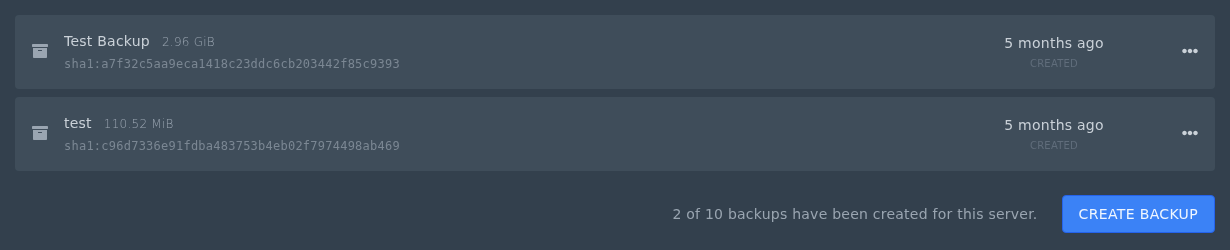
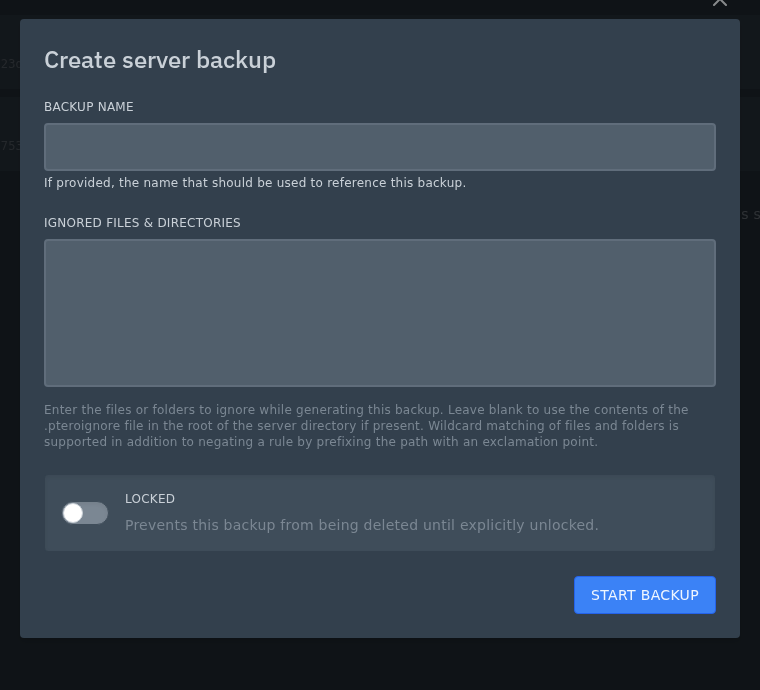
- Enter a name that explains why you are taking it, such as
Before plugin update,Before new modpack, orBefore world reset. - Leave Ignored Files & Directories blank for a normal Minecraft backup. Only add exclusions if you are sure a file or folder does not need saving.
- Use Locked for backups you do not want deleted by accident, such as a backup before a major version or modpack change.
- Click Start Backup.
Wait until the backup has completed before starting the server or changing files. Modded servers and large worlds can take longer.


