
Plugins are usually used with Paper, Spigot, Purpur, and Bukkit-style Minecraft servers. If your server is running Vanilla, Forge, NeoForge, Fabric, or a modpack, check what plugin or mod system that setup supports before uploading files.
If you are running Forge or NeoForge and want Sponge plugins, use Sponge instead of trying to load Paper or Spigot plugins directly. See: How to install Sponge on your Minecraft server on Ptero.
Install the plugin
- Open your Minecraft server in the control panel and take a backup before changing plugin files.
- Open Files, then open the
pluginsfolder. If the folder does not exist, create it. - Upload the plugin
.jarfile into thepluginsfolder.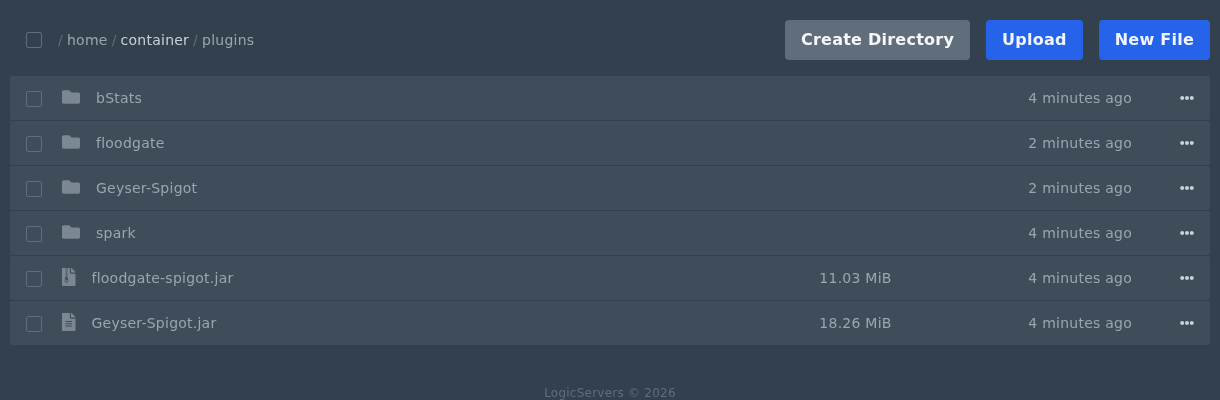
- Restart the server and check Console. Most plugins create their config files after the first restart.
If the server fails to start, check that the plugin supports your Minecraft version and server software. A plugin built for a different Minecraft version can stop the server during startup.


