
Simple Voice Chat needs the mod or plugin installed and a UDP port for voice traffic. Players also need the matching client mod.
Install and configure voice chat
- Stop the server and take a backup.
- Install the Simple Voice Chat plugin or mod for your server type.
- Open Network and make sure you have an extra allocation for the voice chat port.
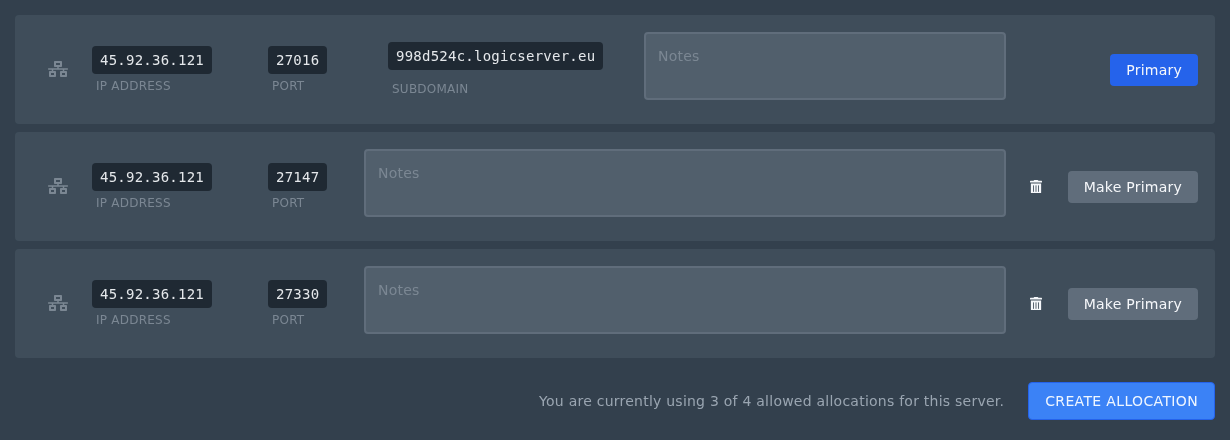
- Open the Simple Voice Chat config and set the port to the extra allocation port.
- Start the server and check Console for voice chat startup messages.
Do not use the main Minecraft port for voice chat. Use an extra allocation from the Network page.


