
Updating a modpack is not the same as updating a normal Vanilla server. Stop first, take a backup, then update the pack without leaving old duplicate mods behind.
Update with the modpack installer
- Stop the server and take a backup before changing any modpack files.
- Open Modpacks and search for the modpack.
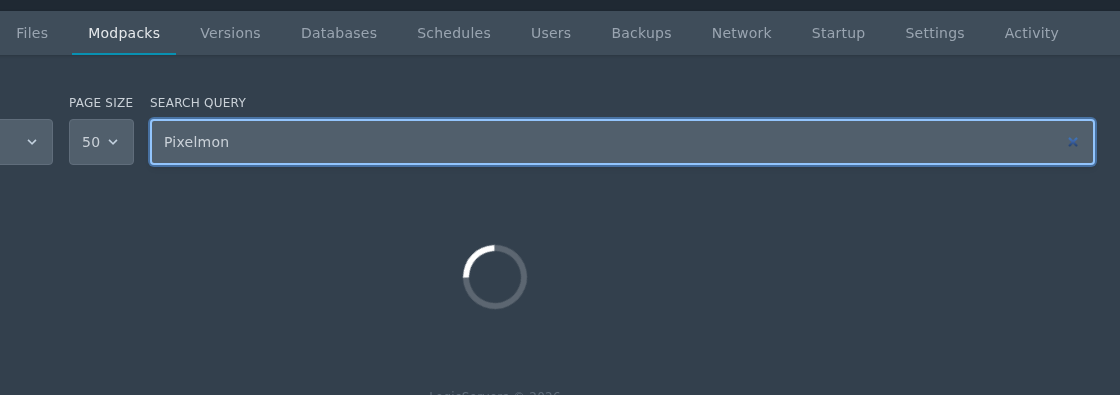
- Click the install icon, choose the version you want to update to, then run the installer.
- Do not check the Delete files box unless you want to wipe your server.
Update manually
- Download the server pack for the new modpack version.
- In File Manager, move the old matching folders such as
mods,config,defaultconfigs, orkubejsinto a temporary backup folder. - Upload the new server pack files.
- Start the server and check Console for errors.
Always use the server pack where one is provided. Client downloads often contain files that are not meant to be uploaded directly to a dedicated server.


