
ARK events are enabled through startup options. Event names change over time, so use the current event value from official ARK event notes or the event you specifically want to run.
- Back up your server before changing event or mod settings: Backing up and restoring world and player data on your ARK server.
- Open your ARK server in the control panel.
- Click Commandline Manager.
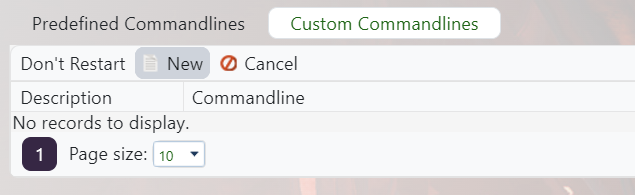
- Edit your selected command line, or create a custom command line: Creating a custom command line on your ARK server.
- Tick the checkbox next to Enable Event, then set the active event option to the event name you want to run, for example
WinterWonderlandif that event is supported by the current ARK build.
- Save and select the command line, then restart the server.
If the event does not appear in-game, check that the event name is valid for the current ARK version.


