
Dragonwilds servers include scheduled backups, but it is still worth taking a manual backup before changing settings, installing mods, wiping a world, or uploading a save.
Create a manual backup
- Open your Dragonwilds server in the control panel.
- Stop the server if you want the cleanest backup.
- Click Backup Server on the left side menu.
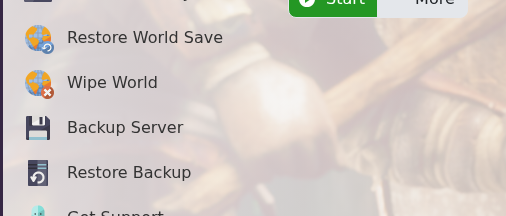
- Confirm the action if the panel asks you to execute the script.
- Wait for the backup to finish before starting the server or making more changes.
Once the backup has completed, you can start the server again and continue making your changes.


