
Use the connection address from your control panel to join your Empyrion server directly from the in-game multiplayer browser. The main game port is shown as Connection Info; the query and Telnet/RCON ports are for server tools and should not be used as the normal join address.
Find Your Empyrion Server Address
- Open your Empyrion server in the control panel.
- Find Connection Info on the service home page.
- Copy the IP address and port shown there, for example
45.92.36.105:27175.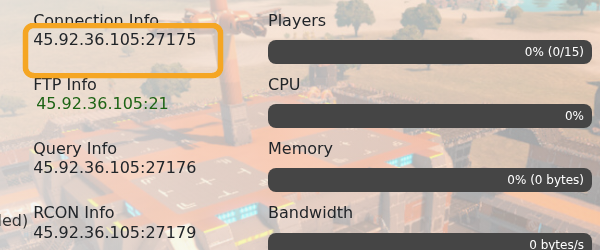
Join In-Game
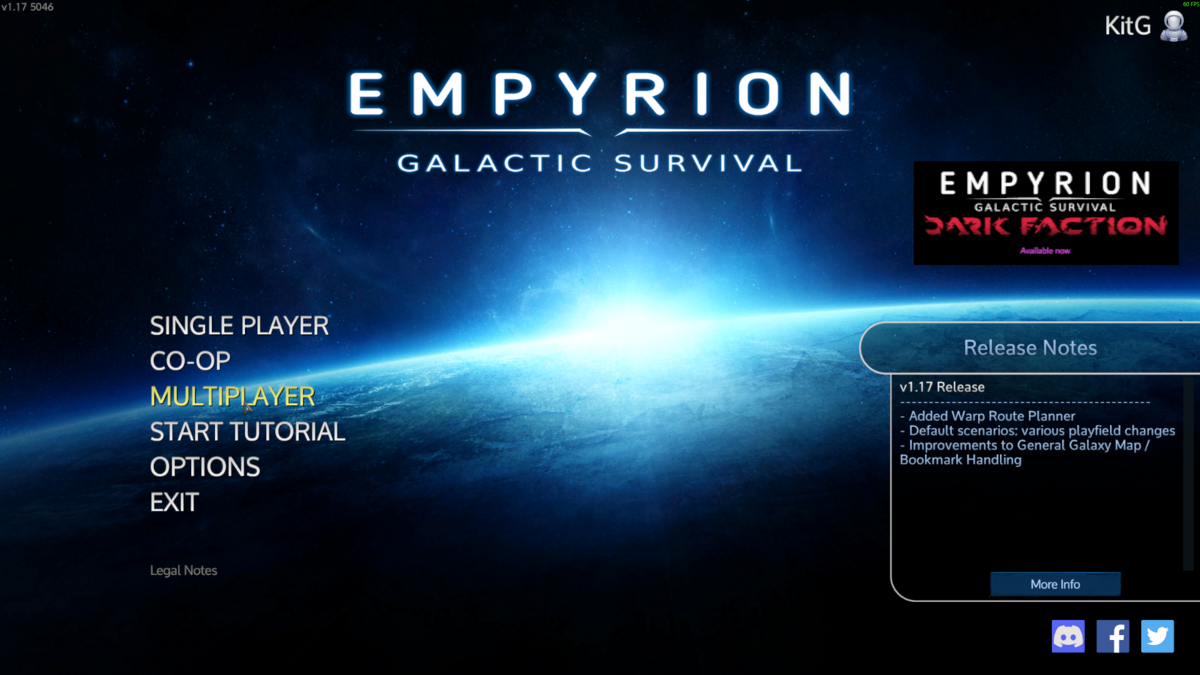
- Start Empyrion - Galactic Survival, then click Multiplayer from the main menu.
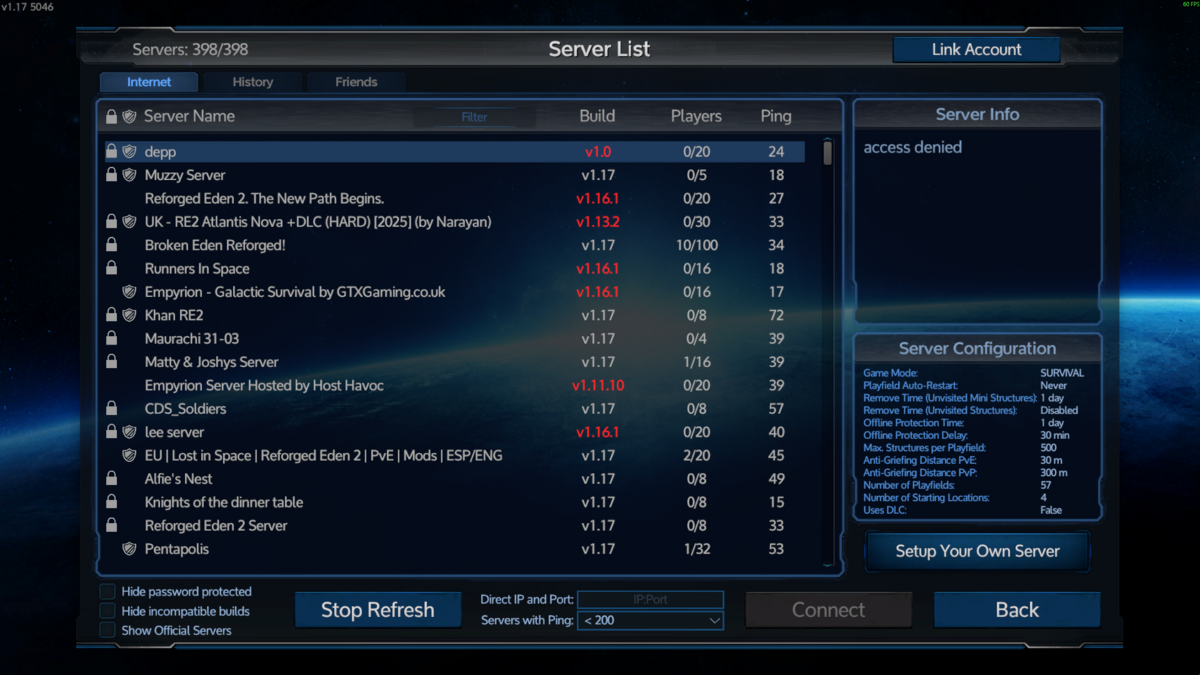
- The server browser opens on the Internet tab. You can browse the public list, search by server name, or use the direct IP field at the bottom.
- Search for your server name, for example
Logic, then select the matching server from the list.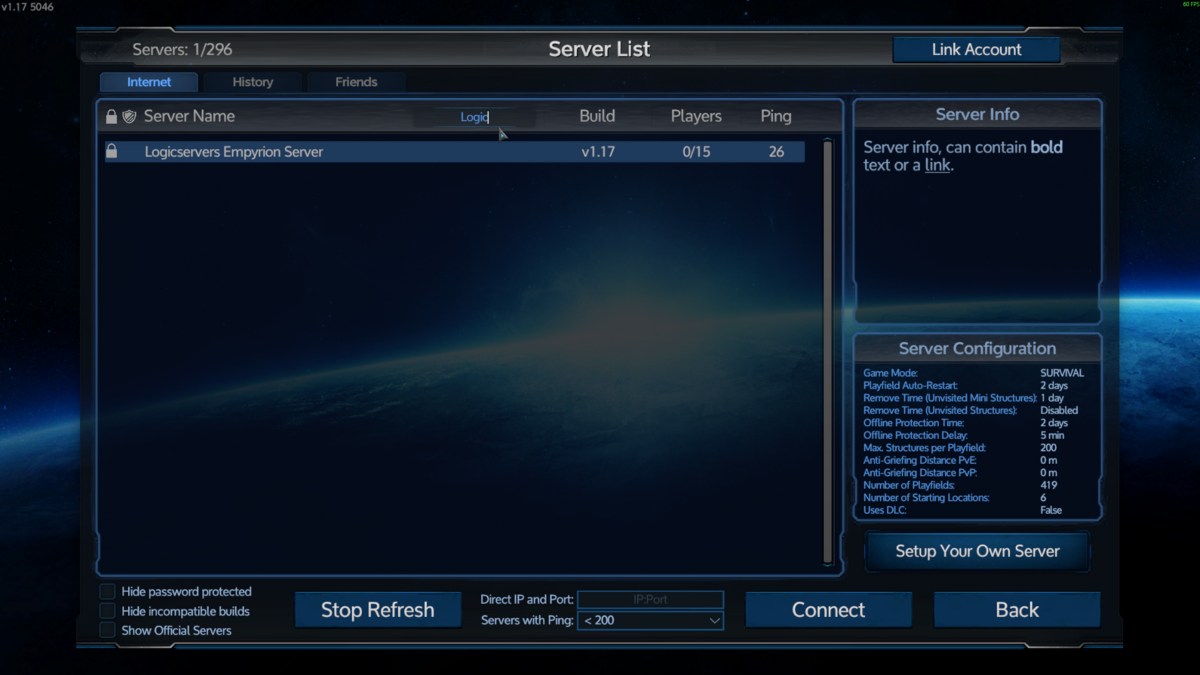
- Click Connect.
- If the server has a password, enter the password from
server.yamlor the details provided by the server owner.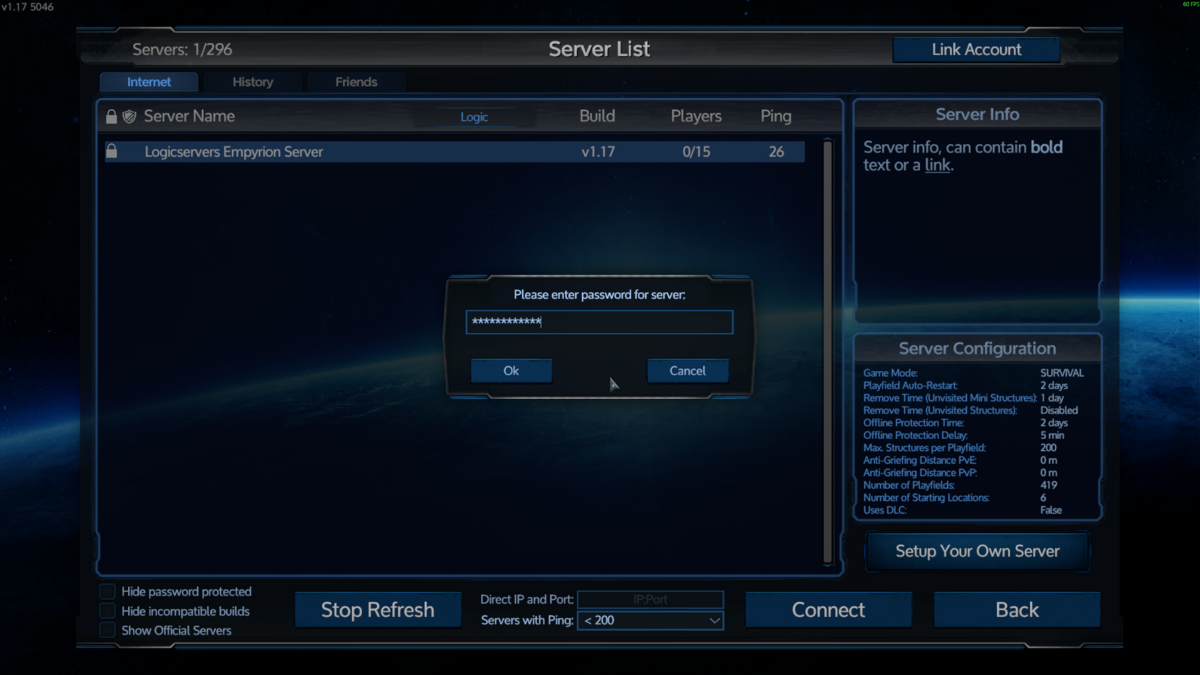
If the server does not appear in the browser, check that Srv_Public is set to true in server.yaml, then restart the server. You can still connect by direct IP when the server browser listing is delayed.


