
Empyrion Steam Workshop content can include scenarios, blueprints, ships, bases, and other community items. Use the panel's Steam Workshop page to search Steam directly, install the item, then restart the server so the downloaded content is available.
Install A Workshop Item
- Open your Empyrion server in the control panel.
- Take a backup first if the item changes your active save, scenario, or world files: How to backup your Empyrion server save.
- Click Steam Workshop.
- Use the search box, sort options, time period, and content type filters to find the Workshop item you want.
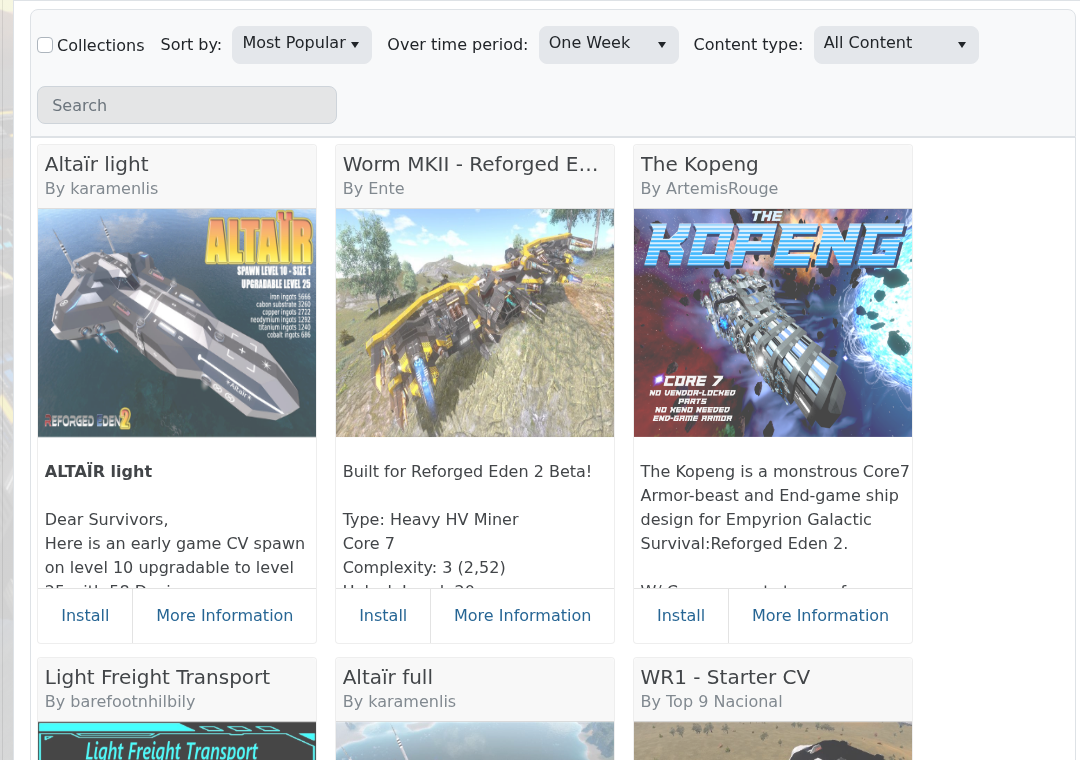
- Check the title, author, description, and Workshop page before installing. Search results can include dependencies, old versions, blueprints, and similarly named items.
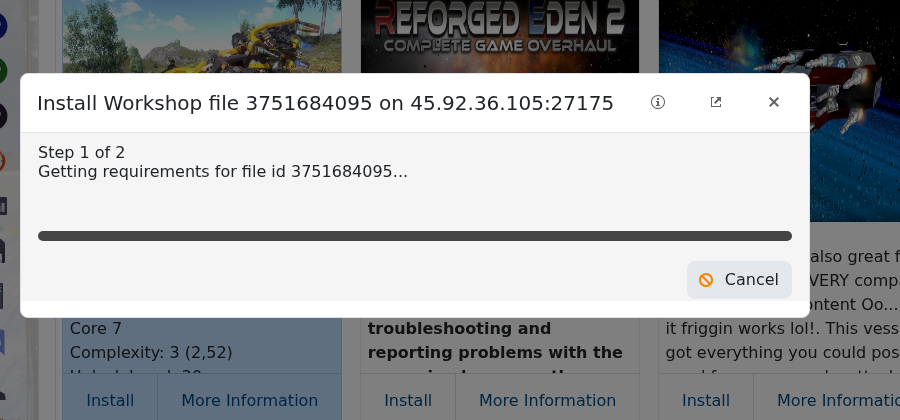
- Click Install on the correct result, then wait for the install task to finish.
- Restart the server.
Some Workshop items are only client-side blueprints, while scenarios usually need CustomScenario and sometimes a new GameName in server.yaml. Read the Workshop item's instructions before changing an existing save.


