Create a backup before updates, mod changes, world wipes, config edits, or branch changes. Backups give you a restore point if a mod update, save change, or settings edit causes issues.

  1. Open your Project Zomboid server in the control panel.
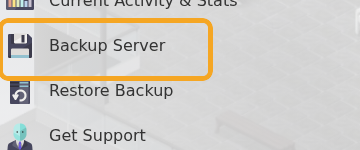
  2. Click Backup Server.

    Project Zomboid Backup Server button

  3. Wait for the backup task to finish before making further changes.

For the cleanest backup before major changes, stop the server first. For small config edits, a normal panel backup is usually enough.


  • 0 Benutzer fanden dies hilfreich
War diese Antwort hilfreich?

Mehr zum Thema

How to install mods on a Project Zomboid server

Project Zomboid Workshop mods need two values from the Steam Workshop page: the Workshop ID and...

Installing Map Mods on Your Project Zomboid Server

Project Zomboid map mods usually need three values from the Workshop page: Workshop ID, Mod ID,...

Project Zomboid Admin Commands Guide

Project Zomboid admin commands can be run in-game by an admin account or from the server console....

Making yourself Admin on your Project Zomboid Server

Making yourself Admin on Your Project Zomboid Server This guide will walk you through the...

How to run Unstable B42 Multiplayer on your Project Zomboid Server

Project Zomboid Build 42 now includes multiplayer support. You can install it on your Project...