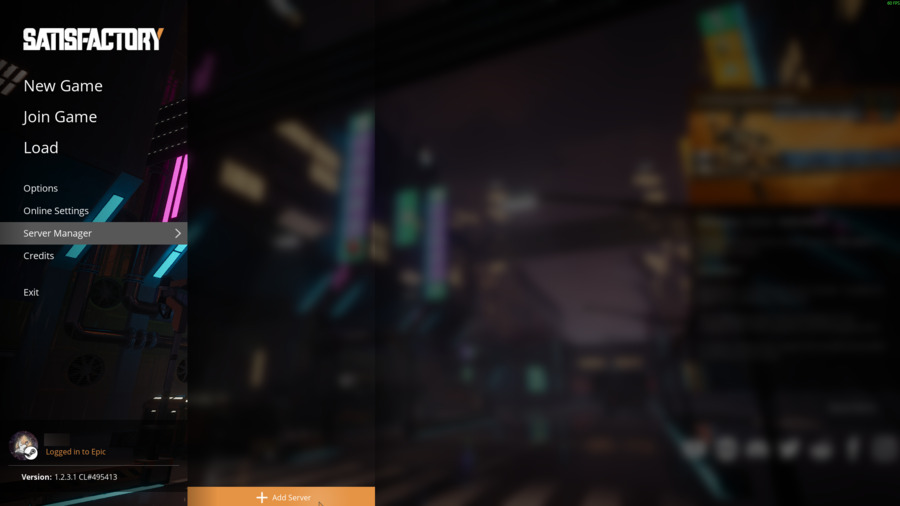
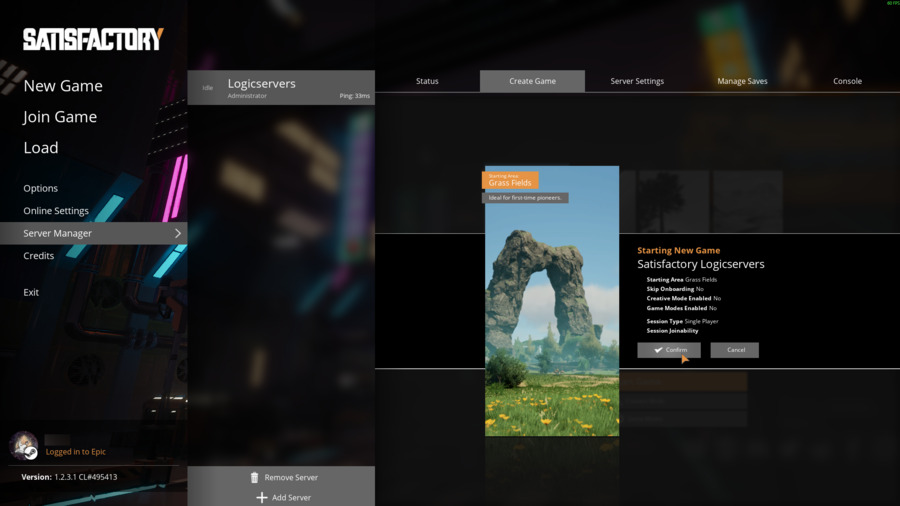
Use the Connection Info address from the control panel when adding your Satisfactory dedicated server in-game. Satisfactory dedicated servers are added through Server Manager, then claimed with an admin password the first time you connect.

  1. Open your Satisfactory server in the control panel.
  2. Copy the IP and port shown under Connection Info.
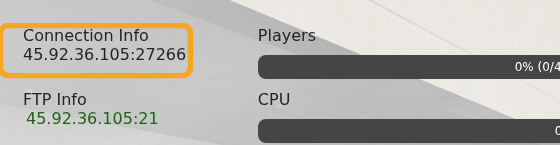
    Satisfactory control panel showing Connection Info

  3. Start Satisfactory on your PC and click Server Manager from the main menu.
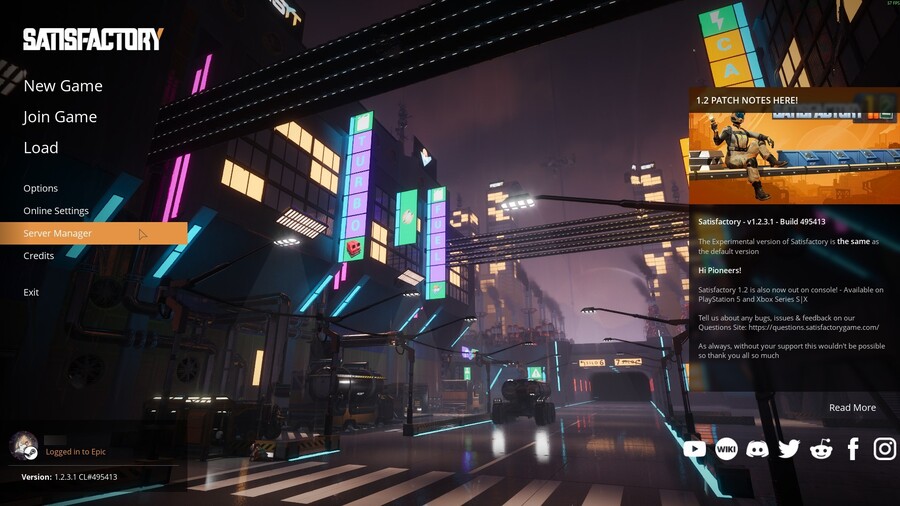
    Satisfactory main menu showing Server Manager

  4. Click Add Server.

    Satisfactory Server Manager showing Add Server

  5. Enter the server IP in Address and the game port in Port, then click Confirm.
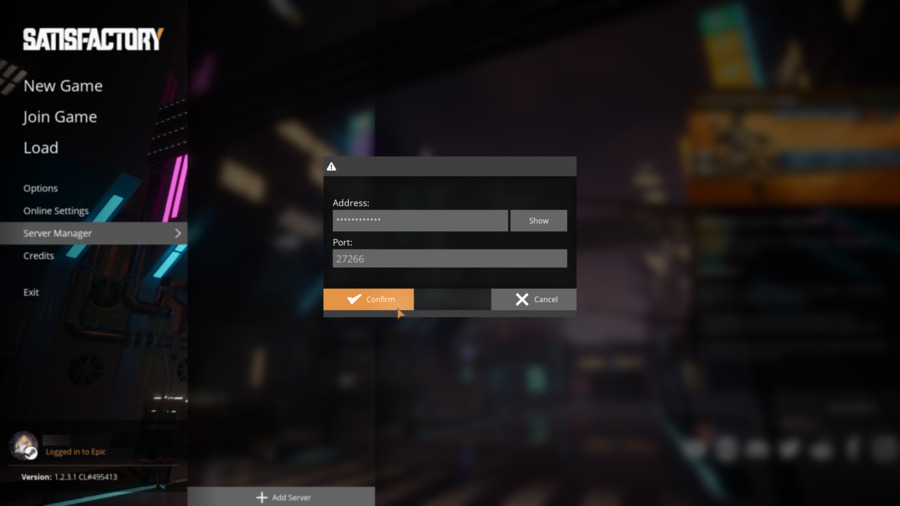
    Satisfactory Add Server popup

  6. If the server has not been claimed yet, enter a server name and click Confirm.
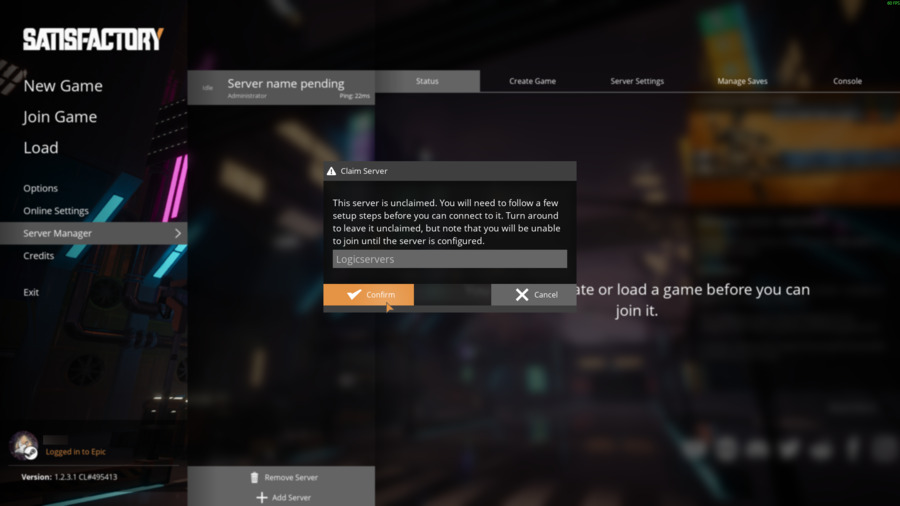
    Satisfactory Claim Server popup

  7. Set the administrator password when prompted. Keep this password safe because it is used to authenticate server settings later.
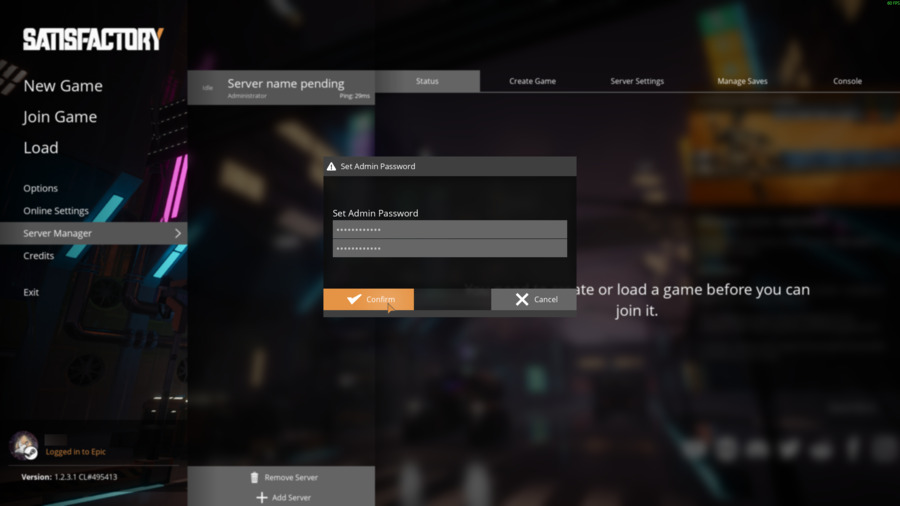
    Satisfactory Set Admin Password popup

  8. Select a starting area and click Start Game.
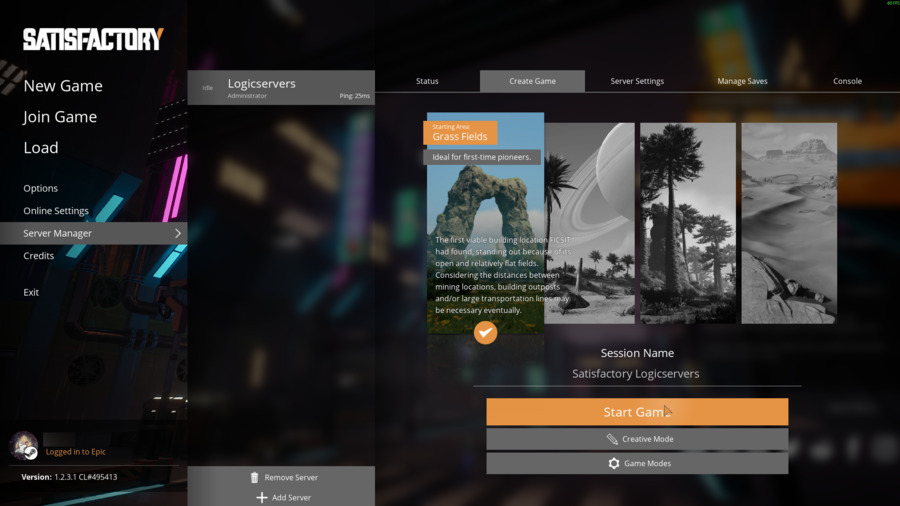
    Satisfactory Create Game screen

  9. Confirm the new game settings.

    Satisfactory Create Game confirmation

  10. Wait for the server to prepare the new game.
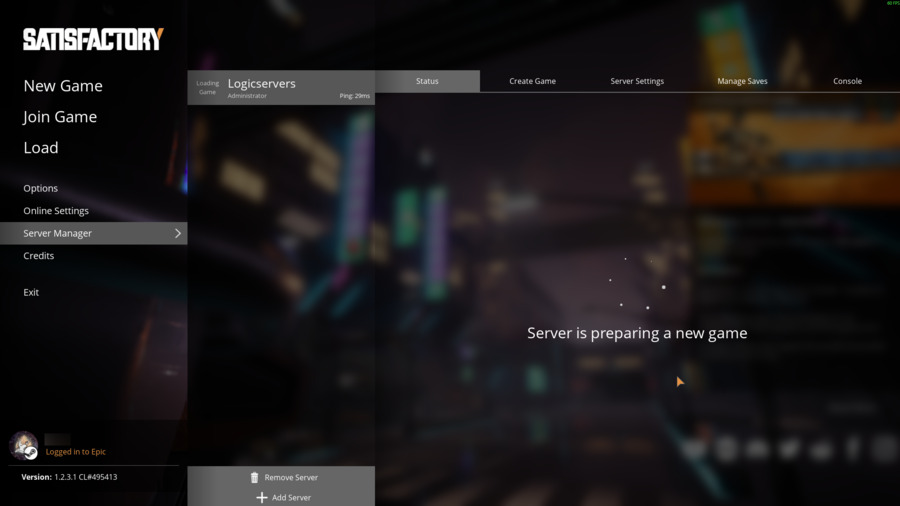
    Satisfactory server preparing new game

  11. When Server Manager shows the server online, join the server from Satisfactory.
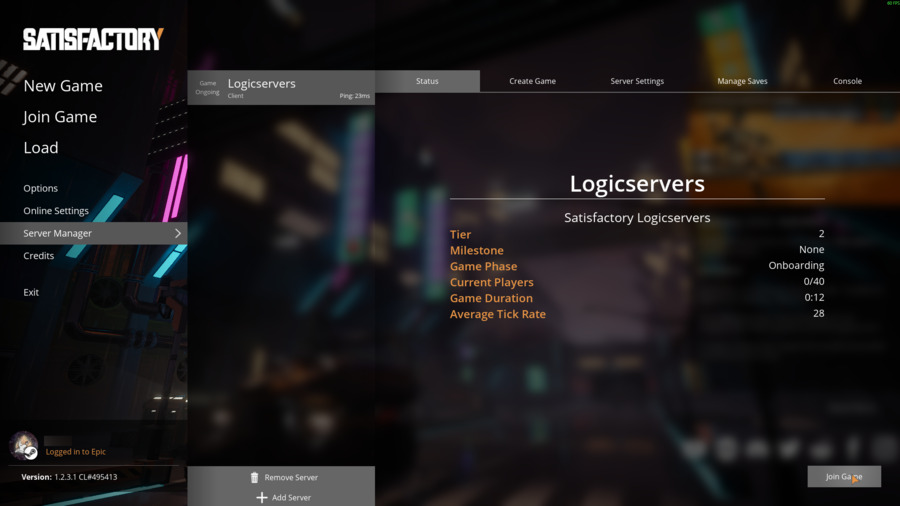
    Satisfactory Server Manager status page

If the server does not respond, make sure it is started in the control panel and that you copied the game address from Connection Info, not FTP or RCON.


  • 0 Kunder som kunne bruge dette svar
Hjalp dette svar dig?

Relaterede artikler

How to update your Satisfactory server

Use Steam Update when Satisfactory releases a dedicated server update, when players see a version...

How to backup your Satisfactory server

Create a Satisfactory backup before updating, uploading saves, changing config files, or...

How to restore a backup on your Satisfactory server

Restore a Satisfactory backup when you need to roll back after a failed update, config change,...

How to edit Satisfactory server configuration files

The main Satisfactory server setup is handled in-game through Server Manager, including...

How to upload a save to your Satisfactory server

Upload a Satisfactory save when you want the dedicated server to run a world from your own PC or...