
Most Palworld server settings are changed from PalWorldSettings.ini. Use Config Editor for common fields such as server name, password, admin password, rates, PvP, raids, and Pal settings.
- Open your Palworld server in the control panel.
- Click Configuration Files.
- Find
PalWorldSettings.ini, then click Config Editor.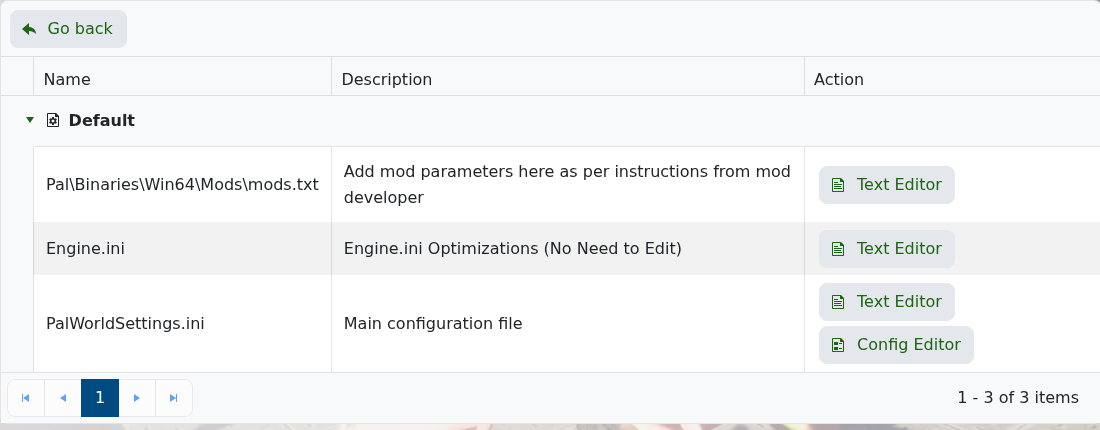
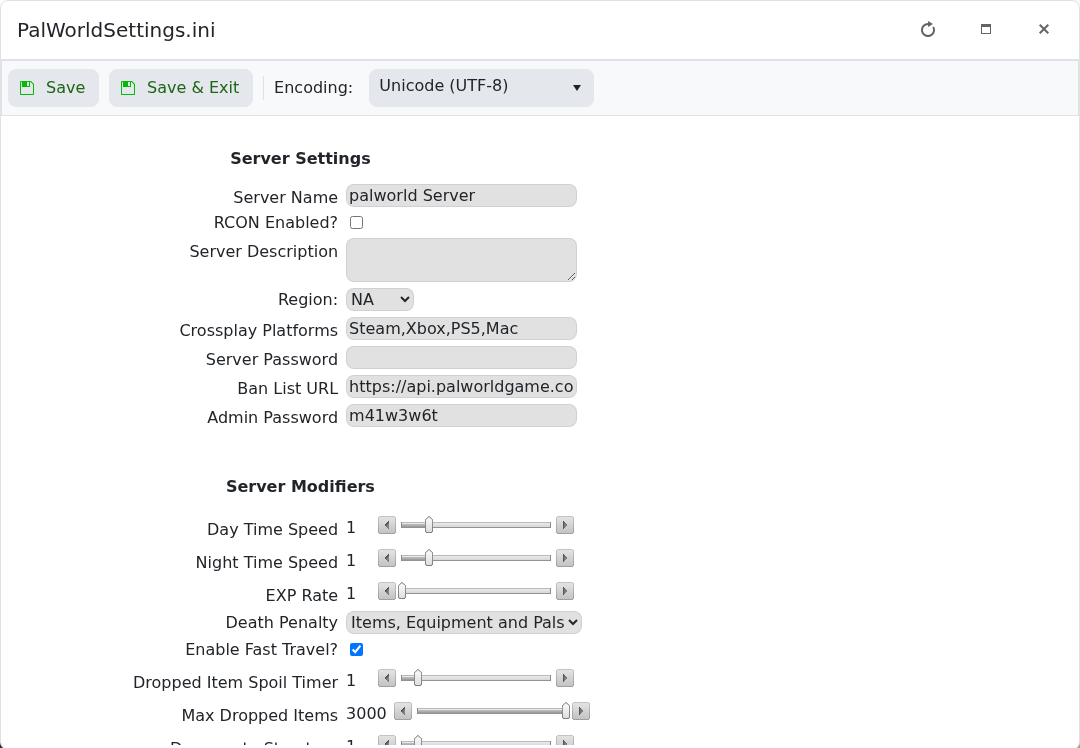
- Edit the setting you need. The top section contains server identity, password, admin password, crossplay, and basic server fields.
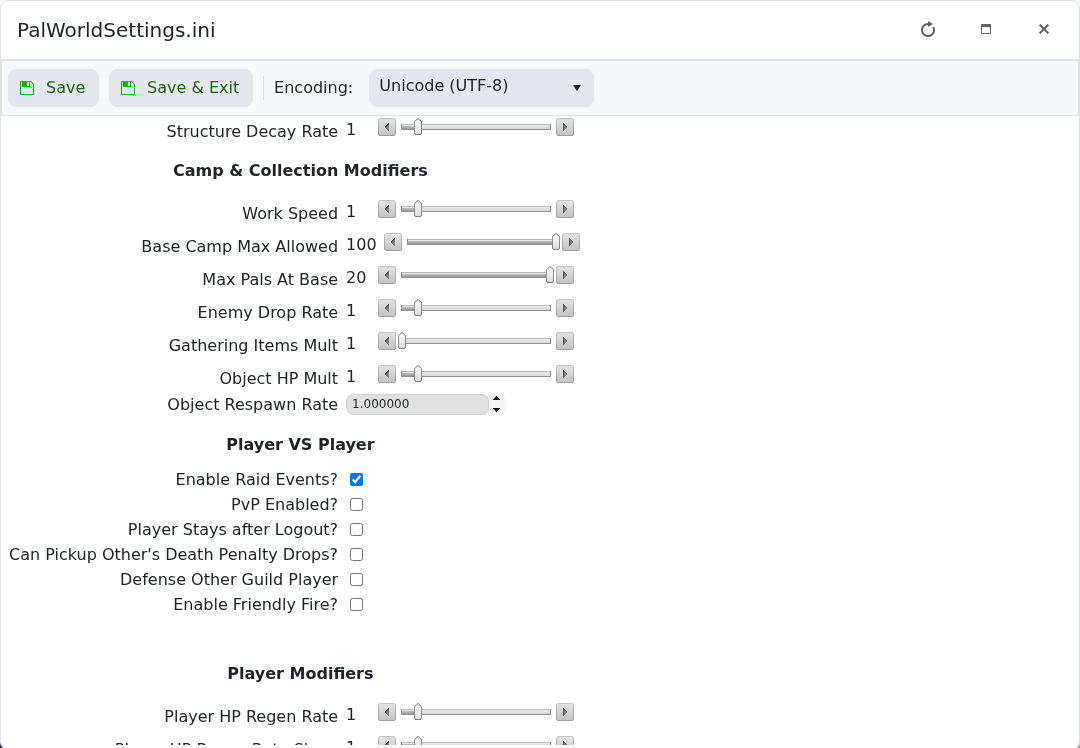
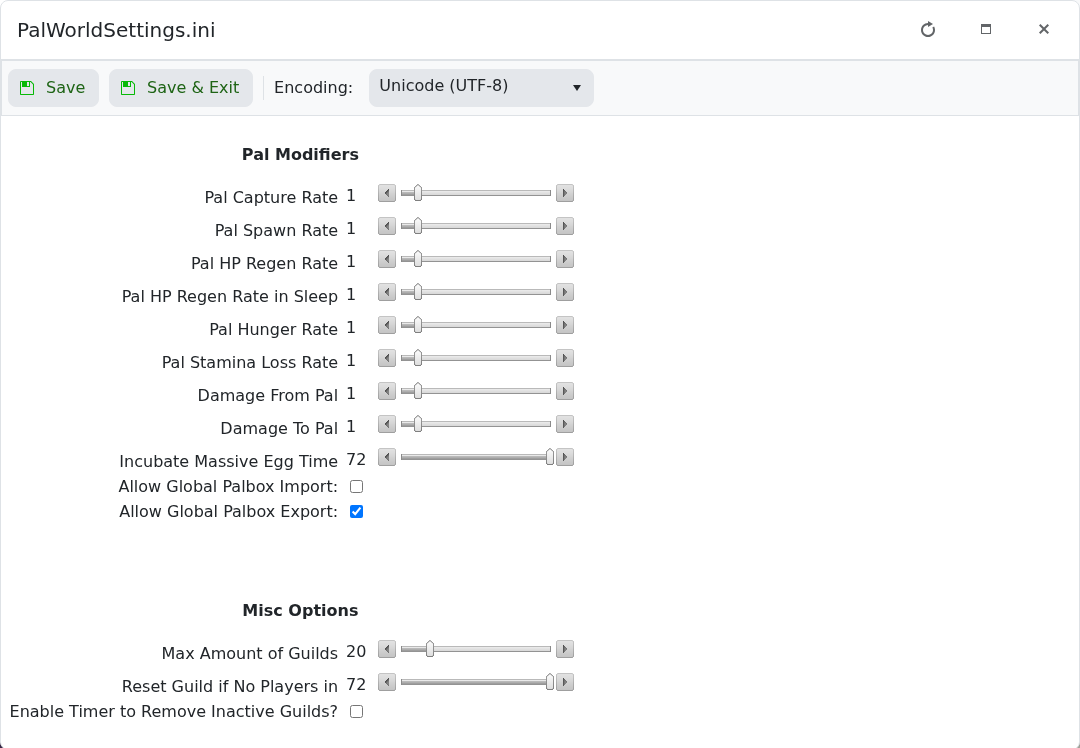
- Scroll further down for gameplay, camp, collection, PvP, player, and Pal modifiers.
- Click Save & Exit.
- Restart the server so Palworld reloads the updated settings.
| Setting | What it changes |
|---|---|
| Server Name | The name shown in the Palworld server browser. |
| Server Password | The password players must enter before joining. |
| Admin Password | The password used with /AdminPassword to unlock admin commands. |
| Day Time Speed / Night Time Speed | How quickly day and night pass. |
| EXP Rate | How quickly players earn experience. |
| Death Penalty | What players drop when they die. |
| Base Camp Max Allowed | How many bases can exist, depending on Palworld's current rules. |
| Max Pals At Base | How many Pals can work at a base. |
| PvP Enabled | Controls player-versus-player combat. |
| Enable Raid Events | Controls raids against player bases. |
| Pal Capture Rate / Pal Spawn Rate | Changes capture chance and Pal spawn behaviour. |
Take a backup before large balance changes: How to Backup your Palworld Server. If a field is not shown in Config Editor, open PalWorldSettings.ini with Text Editor and follow the current Palworld setting name exactly.


