
Use the Palworld multiplayer menu to search for your server by name, or use direct connect with the server IP and port from your control panel. If the server has a password, the community server list is usually the clearest way to join because the game can prompt for the password during the normal join flow.

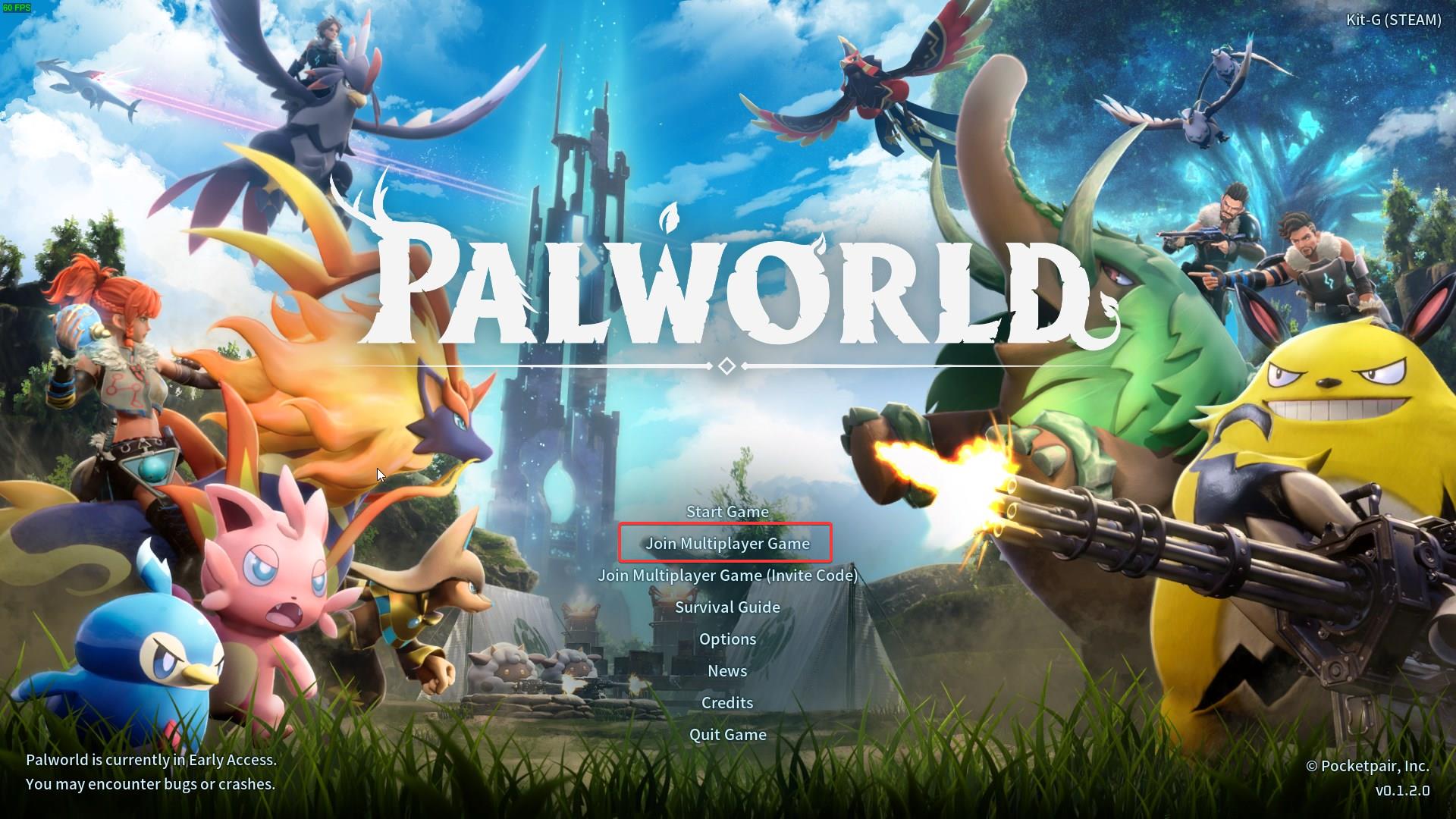
- Launch Palworld, then click Join Multiplayer Game from the main menu.
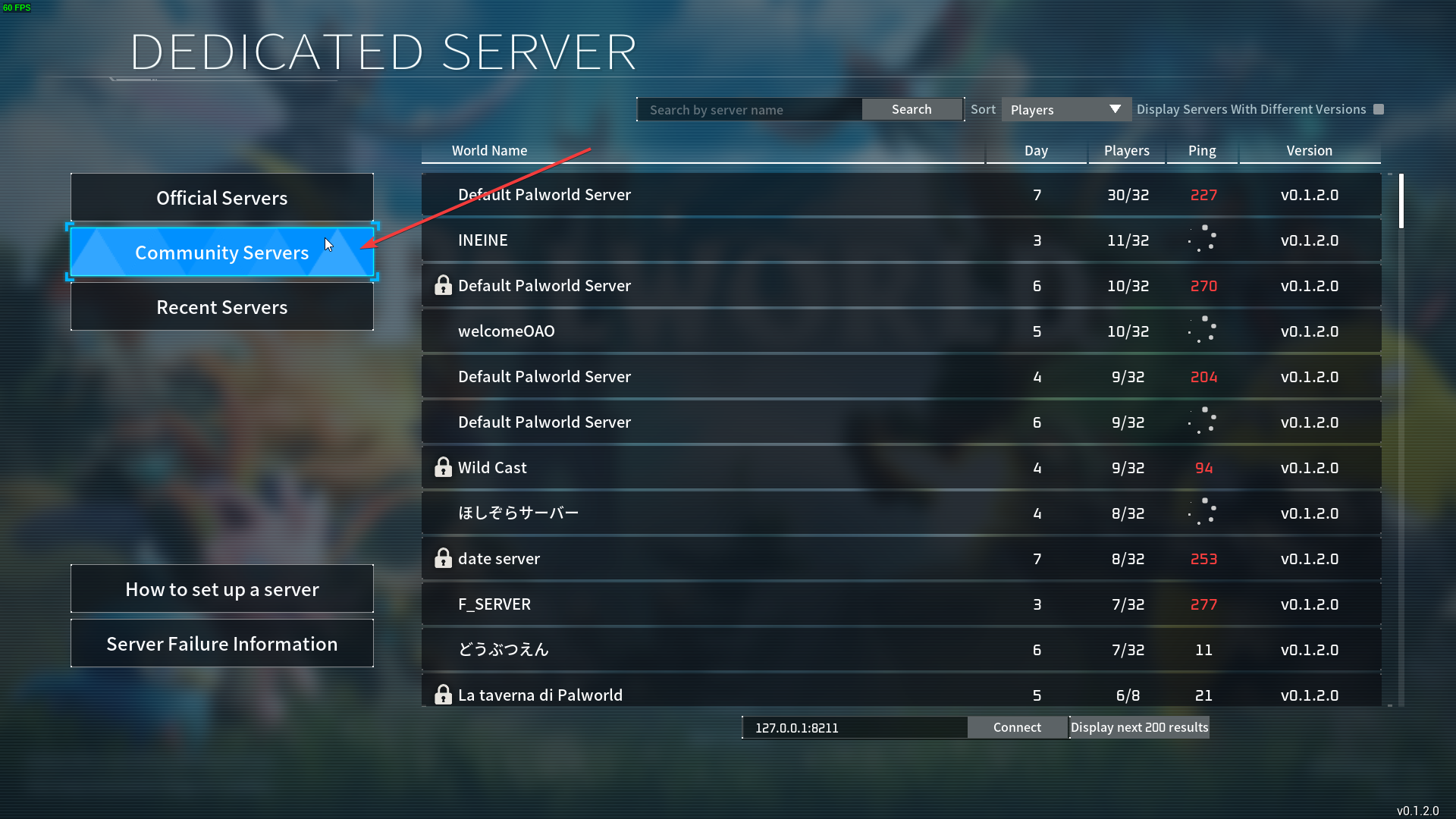
- Open the Community Servers section from the multiplayer server list.
- Use the search box at the top of the screen to search for your server name. Select the server when it appears in the list.
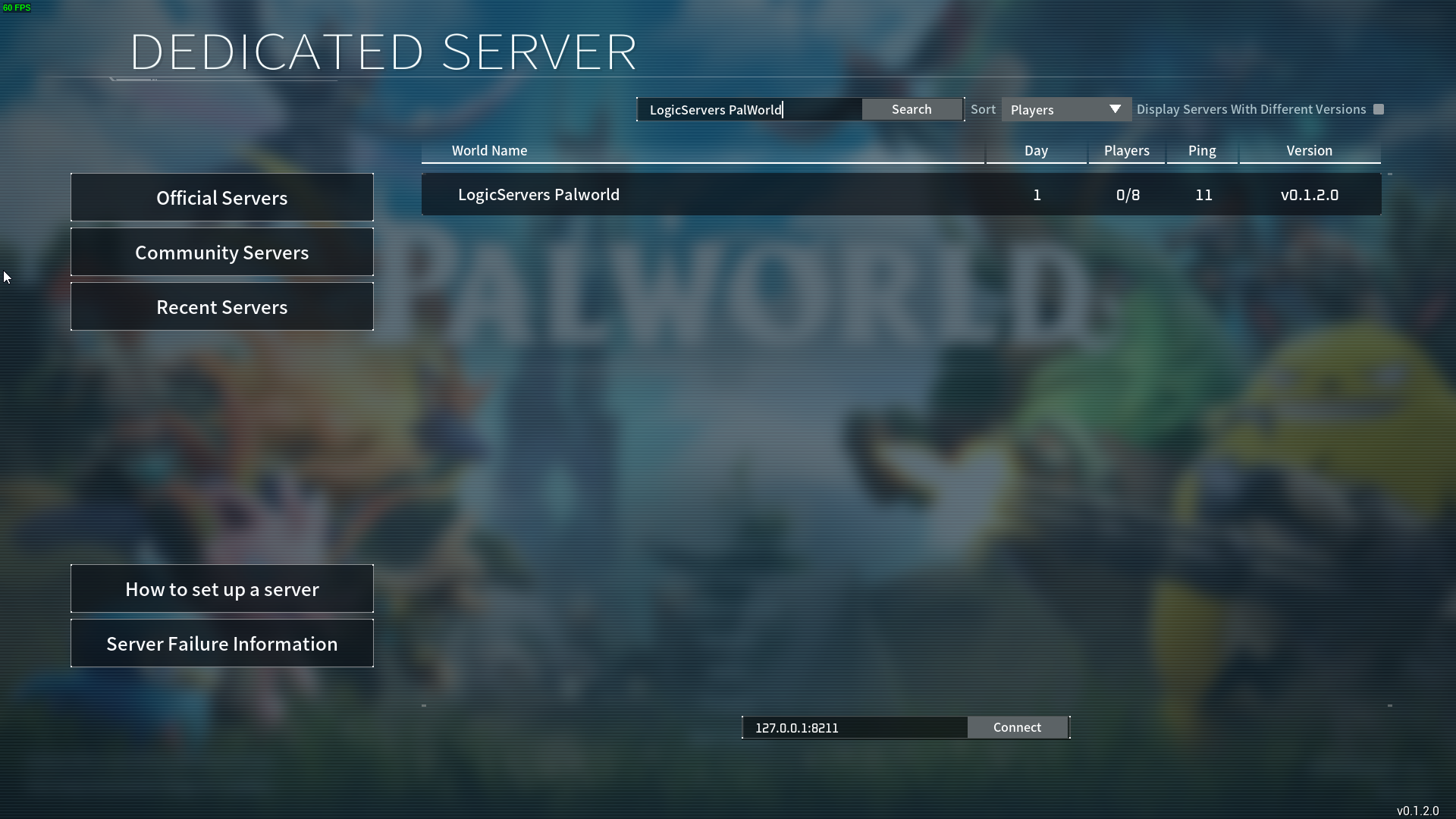
- If you prefer to join by address, enter the server IP and port in the direct connect box at the bottom of the screen, then click Connect.
- Enter the server password if prompted, then join the server.
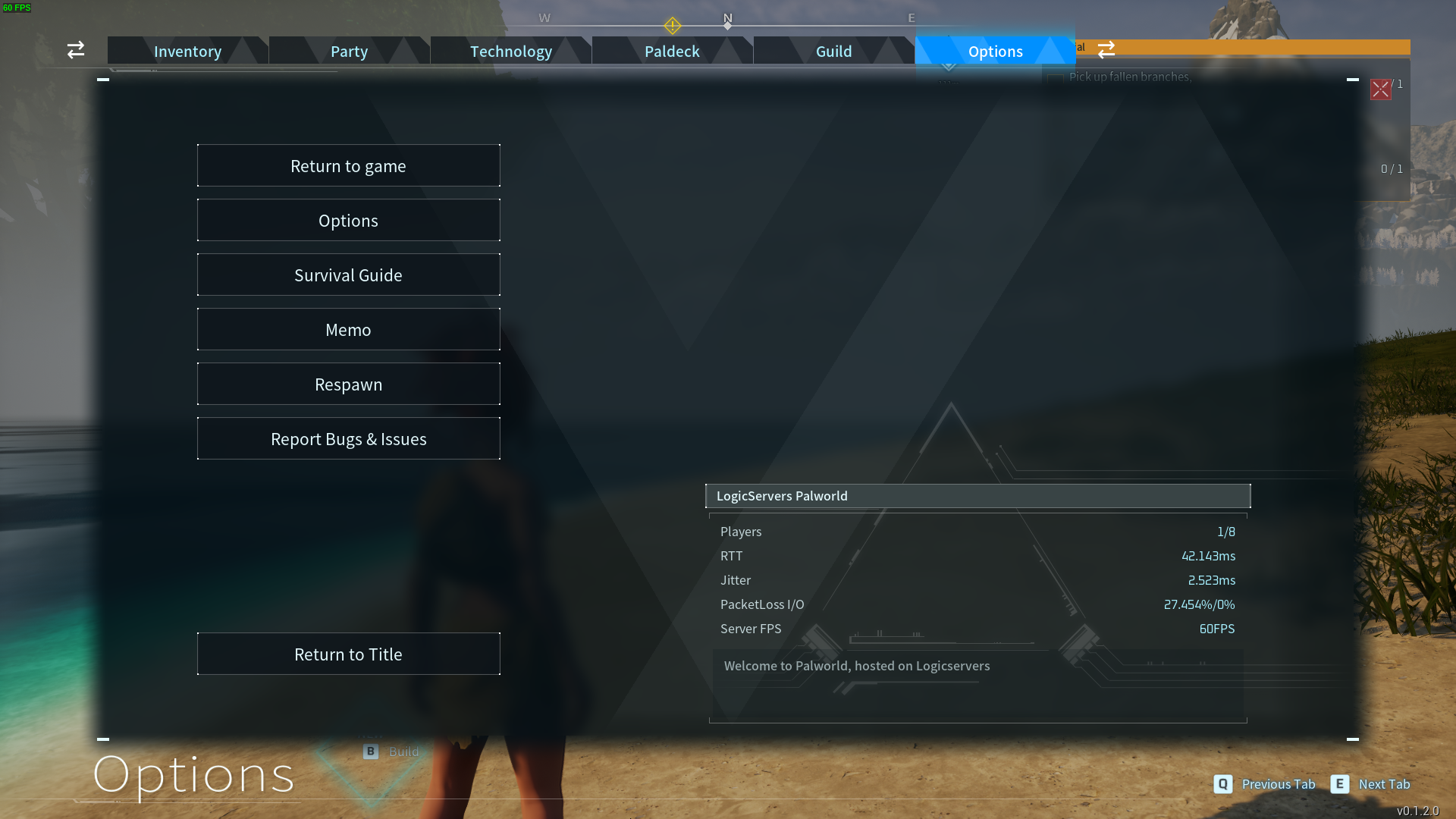
If the server does not appear in the list, confirm the server is online, check that your game client and server are on the same Palworld version, and try searching again after a few minutes. If needed, update the server here: How to update your Palworld server.
If players need a password to join, set or confirm it here: Adding a password to your Palworld Server. Share the password only with players you want to allow onto the server.


