
Change the Enshrouded server name when you want players to recognise your server more easily in the browser, separate it from a test server, or rename it for a new world or community. The name is stored in enshrouded_server.json and appears in the in-game server list after the server has restarted and the listing has refreshed.
A clear server name also helps support and players identify the correct service when you are comparing multiple servers or asking someone to join.
- Open your Enshrouded server in the control panel.
- Click Configuration Files.
- Find
enshrouded_server.json, then click Config Editor.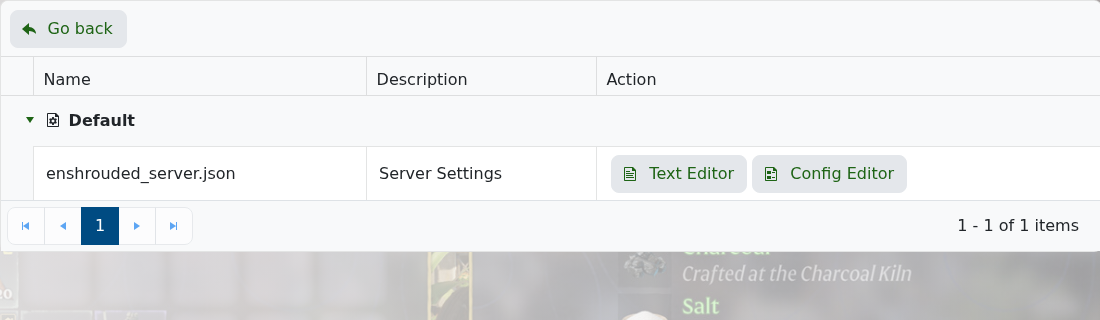
- Enter the new name in Server Name.
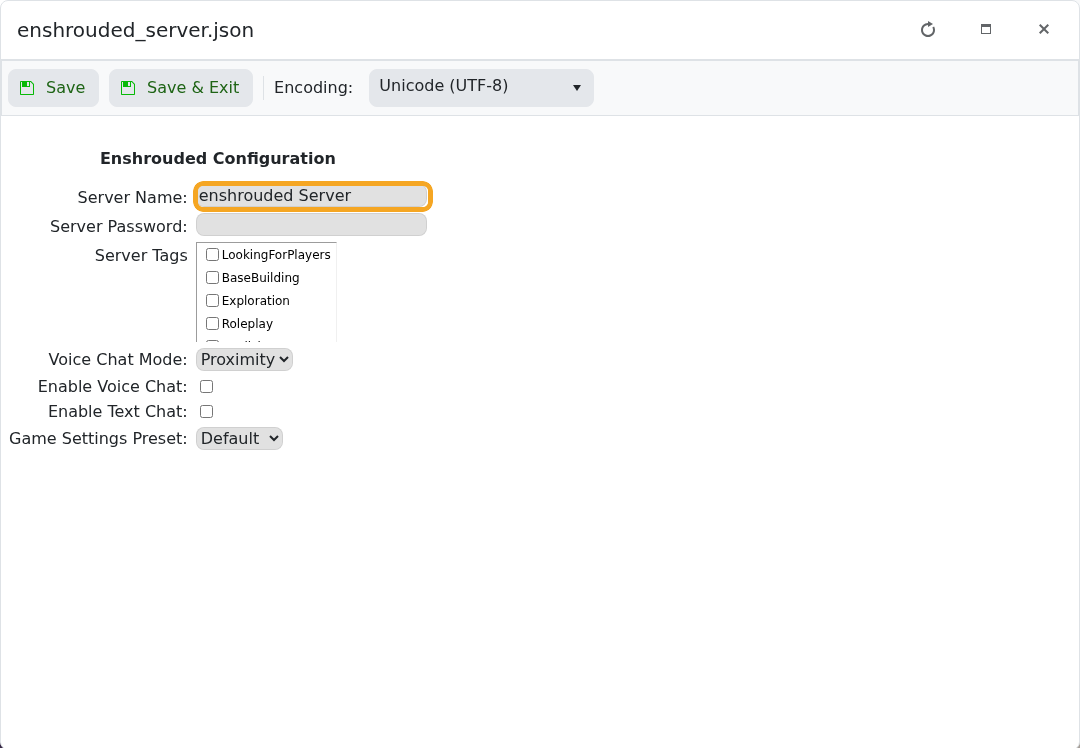
- Click Save & Exit.
- Restart the server so the new name is used.
Server browser listings can take a few minutes to refresh after a restart. If the old name still appears, refresh the server list, check that the server is running, and confirm you saved the value in enshrouded_server.json. If you use Text Editor, change the name value and keep the JSON syntax intact.


