
Restore a backup when you need to roll the Enshrouded server back after a failed update, accidental file edit, unwanted wipe, broken save upload, or config change that did not behave as expected. Restoring replaces the current server files with the selected backup, so take care to choose the correct restore point.
If you want to keep the current world as well, take a fresh backup or download the files before restoring an older backup. Restoring is a recovery action, not a merge; current files can be overwritten by the backup you select.
- Open your Enshrouded server in the control panel.
- Stop the server.
- Click Restore Backup.
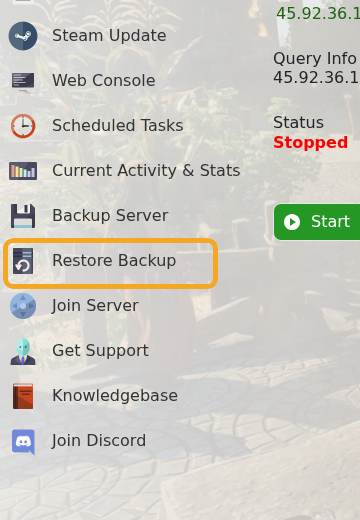
- Select the backup you want to restore from the dropdown.

- Tick Are you sure?.
- Click Execute and wait for the restore task to complete.
- Start the server and test the world.
If you are restoring because a recent change broke the server, do not repeat the same change until you know what caused the issue. If the restored world is not the one you expected, stop the server and restore a different backup before making more changes.


