
Some Vintage Story mods or tools may need an extra port. Any ports already assigned to your server can be found on the Network page.
- Open your Vintage Story server in the control panel.
- Click the Network tab.
- Use one of the listed allocations for the mod or tool that needs an extra port.
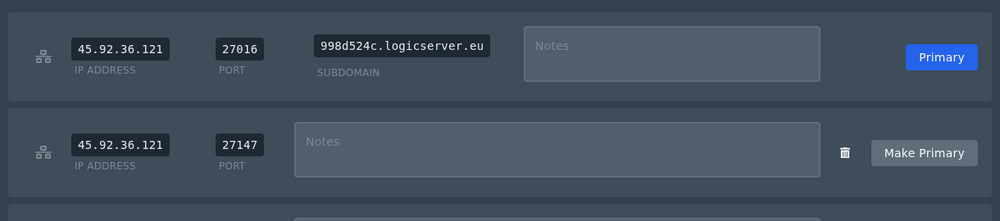
- If the mod needs the extra port to be the main server address, click Make Primary on that allocation.
If all allocations are already in use and you need another one, open a support ticket and let us know what you need the extra port for.


