
Use File Manager for normal Minecraft uploads such as config files, small plugin jars, datapacks, and server icons. For larger uploads, SFTP with FileZilla is usually more reliable.
Upload using File Manager
- Open your Minecraft server in the control panel.
- Stop the server if you are replacing files the server is actively using.
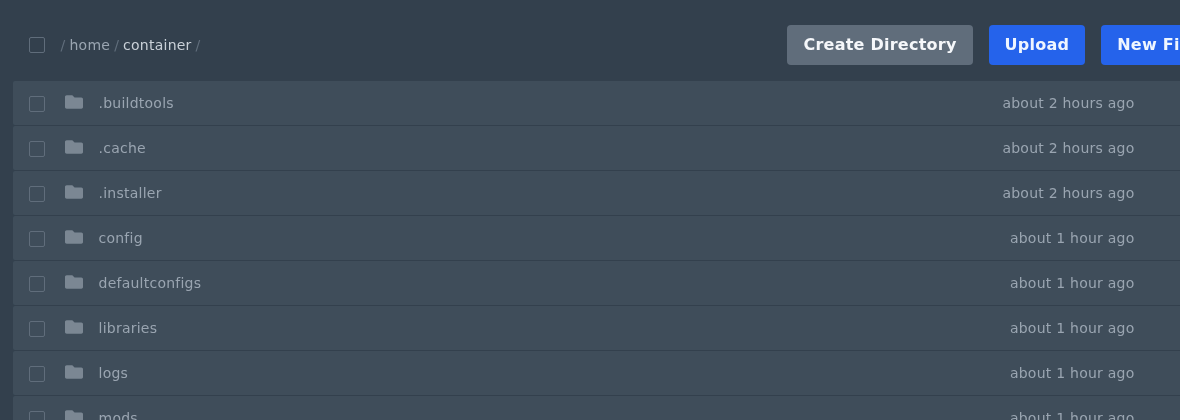
- Open Files and go to the folder where the files need to be uploaded.
- Drag and drop the files into the File Manager upload area.
- Start or restart the server after the upload if the files need to be loaded by Minecraft.
If the upload is large or your browser upload fails, use FileZilla instead. See our guide here: How to connect to SFTP using FileZilla.


