
Fabric and Quilt are lightweight Minecraft mod loaders. Use Fabric for Fabric mods, and use Quilt when the mod or modpack specifically requires Quilt.
Install Fabric or Quilt
- Open your Minecraft server in the control panel, stop the server, and take a backup before changing server software.
- Open Versions from the left menu.
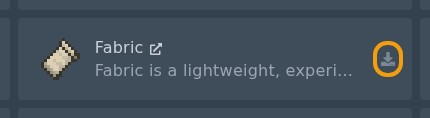
- Find Fabric or Quilt, then click the install icon on the right of the card.

- Select the Minecraft version required by your mods or modpack.
- Do not check the Delete files box unless you want to wipe your server.
- Click Install software, wait for the installer to finish, then restart the server once so the folders are created.
After Fabric or Quilt is installed, upload your mod files to the mods folder. See: How to install mods on your Minecraft server.


