
A server password stops random players joining your Dragonwilds server. Set it in DedicatedServer.ini from the Configuration Files page.
Set the server password
- Stop your Dragonwilds server.
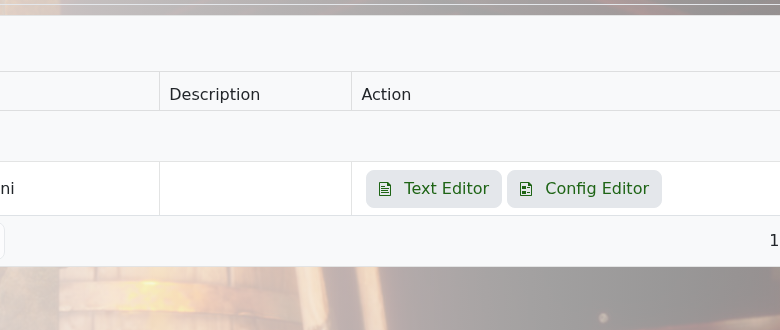
- Open Configuration Files.
- Open DedicatedServer.ini.
- Find the server password setting and enter the password you want players to use.
- Click Save & Exit, then start the server again.
After changing the password, give players the new password before they try to join.


