The admin password is separate from the normal join password. It should only be shared with people you trust to manage the server.

Set the admin password

  1. Stop the server.
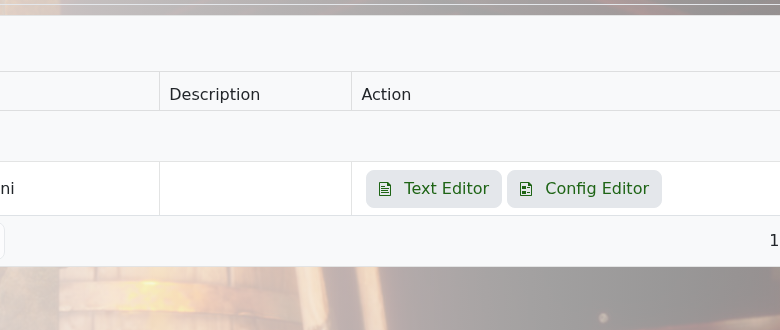
  2. Open Configuration Files.
  3. Open DedicatedServer.ini.

    Dragonwilds configuration files page

  4. Find the admin password setting and enter a strong password.
  5. Click Save & Exit, then start the server again.

Do not use the same value for your join password and admin password.

  • 0 utilizatori au considerat informația utilă
Răspunsul a fost util?

Articole similare

How to backup your Dragonwilds Server

Dragonwilds servers include scheduled backups, but it is still worth taking a manual backup...

How to restore your Dragonwilds Server from a backup

You can restore a Dragonwilds backup if a setting change, mod install, update, or world change...

How to join a Dragonwilds Server

You can find your Dragonwilds server connection details on the server home page in the control...

How to Change Your Dragonwilds Username

Dragonwilds player names are handled by the game client rather than the server control panel. If...

Dragonwilds Server RAM Recommendations

The right RAM amount for a Dragonwilds server depends on player count, world activity, mods, and...