The max player count controls how many players can be connected to your Dragonwilds server at the same time.

Change max players

  1. Stop the server.
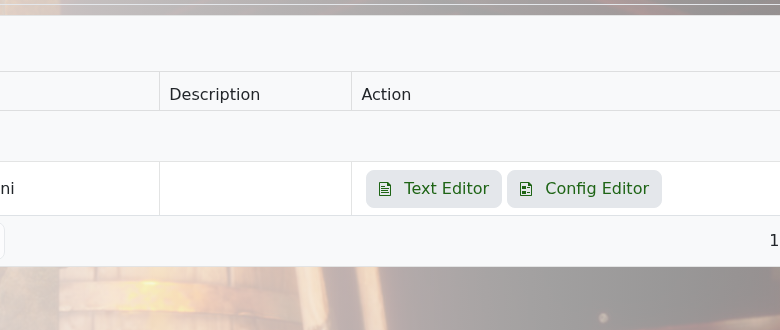
  2. Open Configuration Files.
  3. Open DedicatedServer.ini.

    Dragonwilds DedicatedServer.ini file

  4. Find the max players or slots setting and change it to the number you want.
  5. Click Save & Exit, then start the server again.

If you need more slots than your current plan allows, upgrade your server slots from the client area first.


  • 0 کاربر این را مفید یافتند
آیا این پاسخ به شما کمک کرد؟

مقالات مربوطه

How to backup your Dragonwilds Server

Dragonwilds servers include scheduled backups, but it is still worth taking a manual backup...

How to restore your Dragonwilds Server from a backup

You can restore a Dragonwilds backup if a setting change, mod install, update, or world change...

How to join a Dragonwilds Server

You can find your Dragonwilds server connection details on the server home page in the control...

How to Change Your Dragonwilds Username

Dragonwilds player names are handled by the game client rather than the server control panel. If...

Dragonwilds Server RAM Recommendations

The right RAM amount for a Dragonwilds server depends on player count, world activity, mods, and...