
Deleting Dragonwilds player data can reset a player if their character or inventory is broken. Take a backup first, because deleting the wrong file can remove progress.
Delete player data
- Take a backup of the server.
- Stop the server.
- Open File Manager.
- Go to the Dragonwilds save folder under RSDragonwilds > Saved > SaveGames.
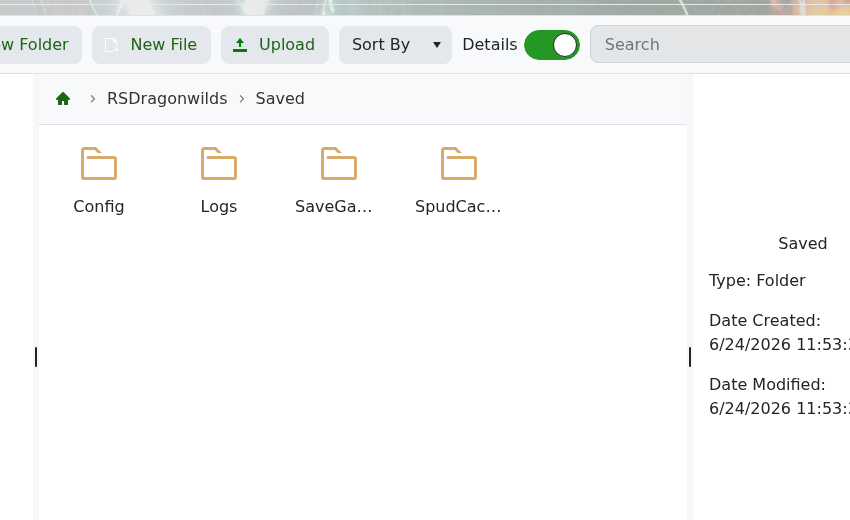
- Find the player data file you need to remove.
- Delete or rename the file, then start the server again.
If you are not sure which file belongs to the player, do not guess. submit a support ticket and we can help check the save folder.


