
Resetting the Windrose world creates a fresh save. Take a backup first if you might want the current world again: How to backup your Windrose server.
Windrose dedicated server saves are stored in R5/Saved/SaveProfiles/Default/. The safest reset method is to rename the current Default folder instead of deleting it straight away. That keeps a copy on the server while forcing Windrose to create a new save next time it starts.
Reset The Windrose Save
- Stop the server.
- Open File Manager. You should see the main Windrose folders, including
R5.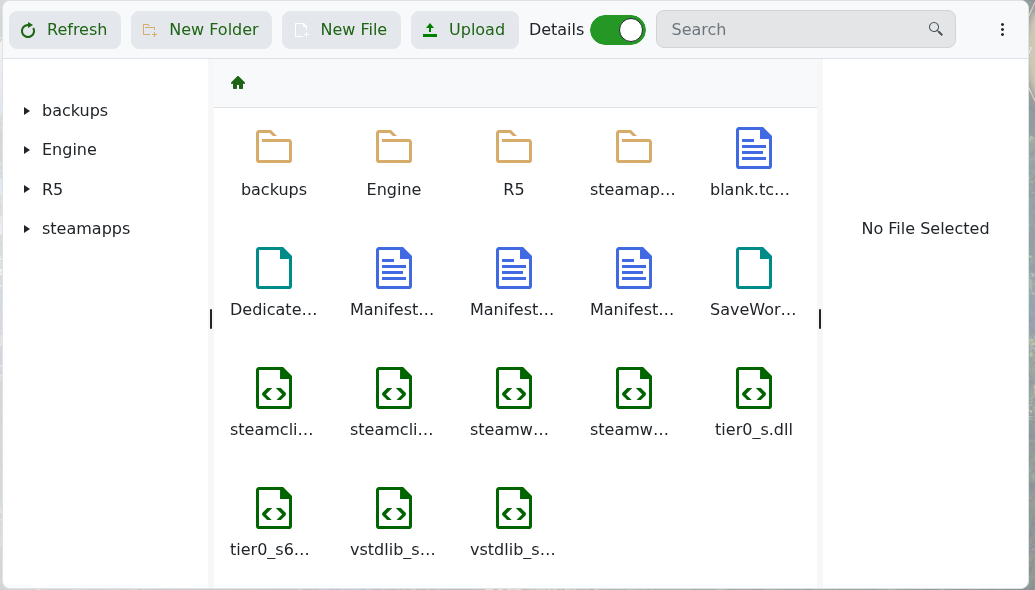
- Open
R5, then go toSaved/SaveProfiles. IfSavedis not there yet, start and stop the server once so Windrose can create the save structure.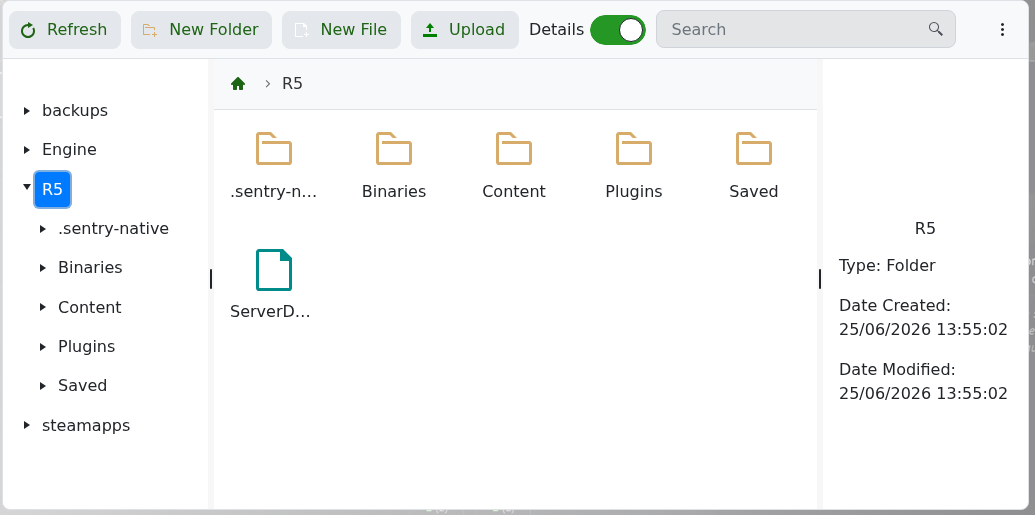
- Rename
Defaultto something likeDefault.old. This is your current dedicated server save profile. - Start the server again. Windrose should create a new
Defaultsave profile and load a fresh world.
If you only want to load a different existing world rather than wipe the save, edit the World Island Id setting in ServerDescription.json: Modifying the settings of your Windrose server.


