
Icarus worlds are created as prospects. On a dedicated server, the usual flow is to join the server in-game, then launch the prospect you want the server to run.
- Open your Icarus server in the control panel.
- Click Configuration Files, then click Config Editor next to
ServerSettings.ini.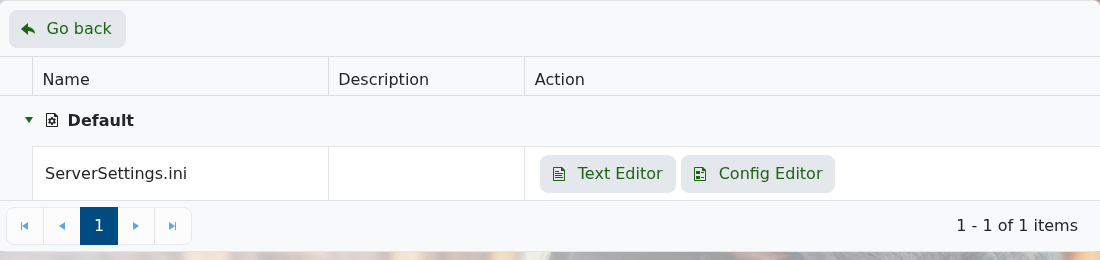
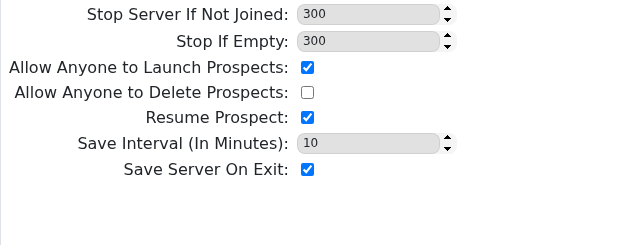
- Tick Allow Anyone to Launch Prospects if you want non-admin players to be able to create a new prospect on the server.
- Keep Resume Prospect enabled if you want the server to continue the current prospect after a restart.
- Set Save Interval and keep Save Server On Exit enabled, then click Save & Exit.
- Start or restart the server.
- Open Icarus on your PC and join your dedicated server from the in-game server list.
- From the prospect screen, create a new prospect and choose the normal map, mission or open-world option you want the server to run.
- Launch the prospect. Once it has started, the server will keep loading it while Resume Prospect is enabled.
If the server keeps loading an old prospect, see How to change which prospect your Icarus server loads.


