
Restore a Rust backup when you need to roll the server back after a bad update, unwanted wipe, broken plugin change, or accidental file edit. Restoring replaces the current server files with the selected backup.
- Open your Rust server in the control panel.
- Stop the server.
- Click Restore Backup on the left side menu.
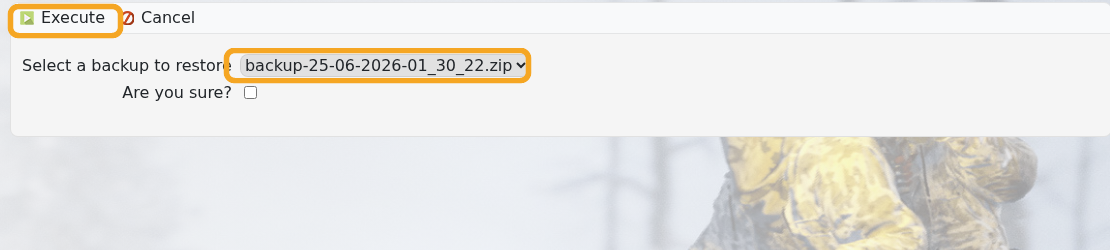
- Select the backup you want to restore from the dropdown.
- Tick Are you sure?, then click Execute.
- Wait for the restore to finish, then start the server.
If you are unsure which backup to restore, submit a support ticket first.


