
The original Reforged Eden Workshop scenario is now a legacy option for Empyrion. Use it only when you are continuing an existing Reforged Eden 1 save or you specifically need the older scenario. For new servers, use the current Reforged Eden II guide instead: How to add Reforged Eden II to Empyrion server.
Before You Install Legacy Reforged Eden
Take a backup first: How to backup your Empyrion server save. Installing the Workshop item does not convert an existing vanilla save into Reforged Eden. To start properly, use a fresh save name or restore an existing Reforged Eden save that already matches the scenario version.
Install The Workshop Scenario
- Open your Empyrion server in the control panel.
- Stop the server before installing Workshop content or changing scenario settings.
- Click Steam Update and let it finish.
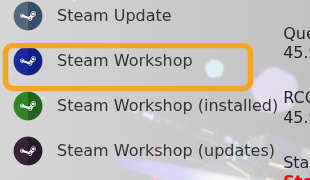
- Click Steam Workshop.
- Search for
Reforged EdenorReforged Eden 1. Search results can show prerequisite or blueprint results before the actual scenario, so do not automatically install the first result.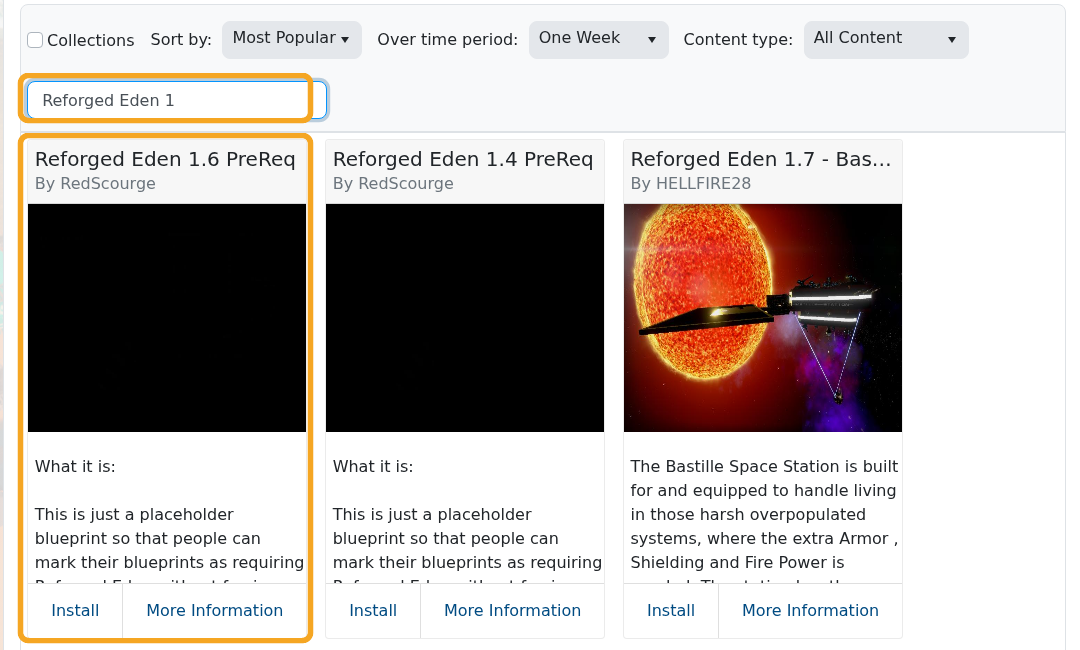
- Install the legacy Reforged Eden scenario by ravien_ff. The original Workshop ID is
2550354956, but verify the title and author before clicking Install.
Select Reforged Eden In server.yaml
- Click Configuration Files.
- Open
server.yamlwith Text Editor.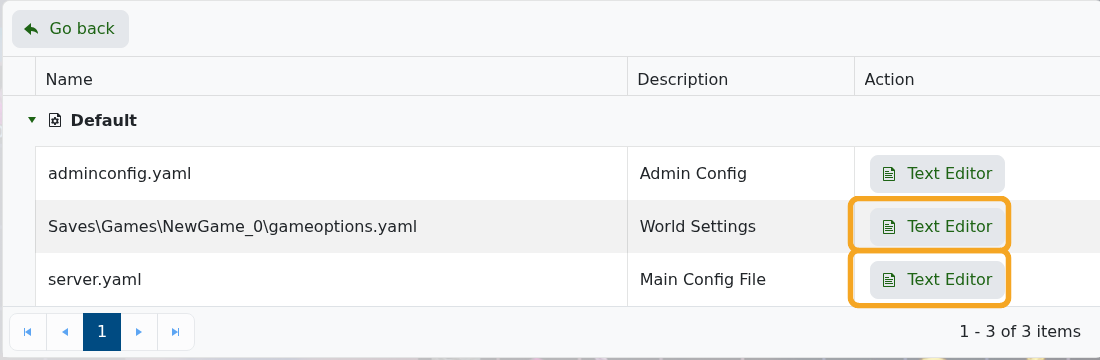
- Find the
GameConfigsection. - Set
CustomScenarioto the installed legacy scenario folder name. For most original Reforged Eden installs this isReforged Eden:
GameConfig:
  GameName: ReforgedEden
  Mode: Survival
  CustomScenario: Reforged Eden
- Use a new
GameNameif you want Empyrion to create a fresh Reforged Eden save. - Click Save & Exit.
- If the save already exists, open its
gameoptions.yamlfrom Configuration Files or File Manager and make sure the world options match the scenario author's requirements. - Start the server and check Log Viewer. If the server creates a vanilla save, stop it, correct
CustomScenario, and start again with a new save name.
Legacy Reforged Eden is no longer the recommended option for new servers. If you are not tied to an older save, install Reforged Eden II instead. If you are unsure which scenario version your save needs, submit a support ticket before overwriting files.


