
Easy Anti-Cheat for Empyrion is controlled by EACActive in server.yaml. Enable it when you want clients to connect with EAC enabled, or disable it if you are troubleshooting client-side EAC connection problems.
Change EACActive
- Open your Empyrion server in the control panel.
- Click Configuration Files.
- Open
server.yamlwith Text Editor. - Find
EACActive. - Set it to
trueto enable EAC, orfalseto disable EAC. - Click Save & Exit, then restart the server.
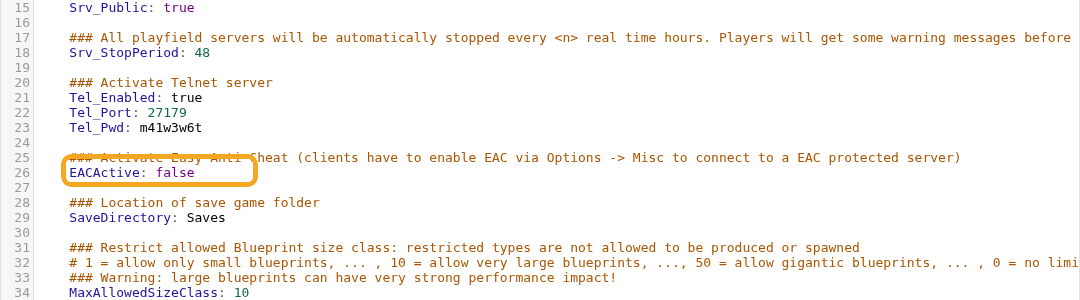
EACActive: true
Players joining an EAC-protected server must also have EAC enabled in their client. If players cannot connect after you enable EAC, ask them to check the game launcher and client-side EAC settings.


