
Restore a Valheim backup when you need to roll the server back after an unwanted world change, failed mod install, broken update, or accidental file edit. Restoring replaces current files with the selected backup.
- Open your Valheim server in the control panel.
- Stop the server.
- Click Restore Backup.
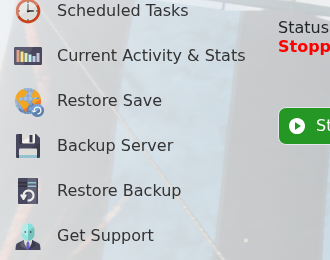
- Select the backup file you want to restore.
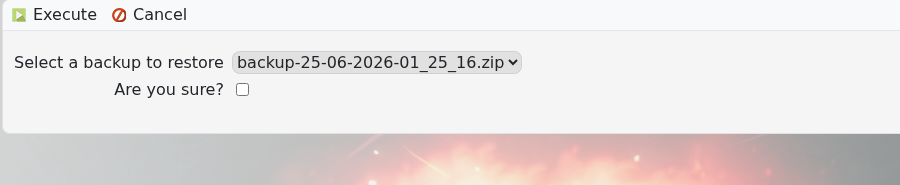
- Tick Are you sure?, then click Execute.
- Wait for the restore to finish, then start the server.
If you are unsure which backup is correct, submit a support ticket before overwriting the current server files.


