
Valheim stores manual ban entries in bannedlist.txt, and server admins can also ban or unban players from the in-game console. Use the Config Editor when you need to add, review, or remove ban entries from the panel.
- Open your Valheim server in the control panel.
- Click Configuration Files.
- Open
bannedlist.txtwith Config Editor.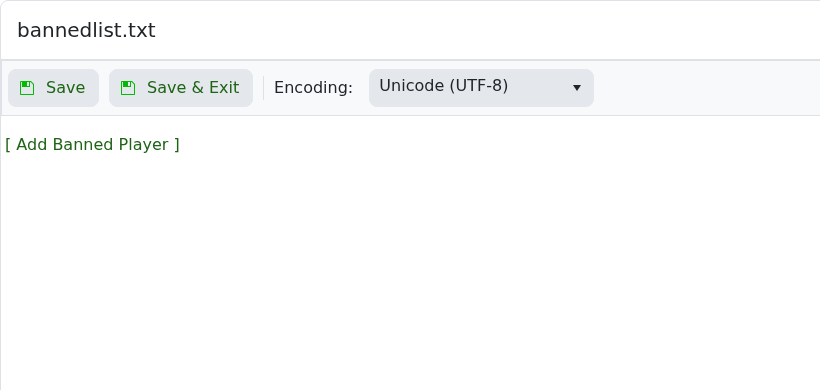
- Click [ Add Banned Player ].
- Enter the player SteamID64 in the SteamID64 field.
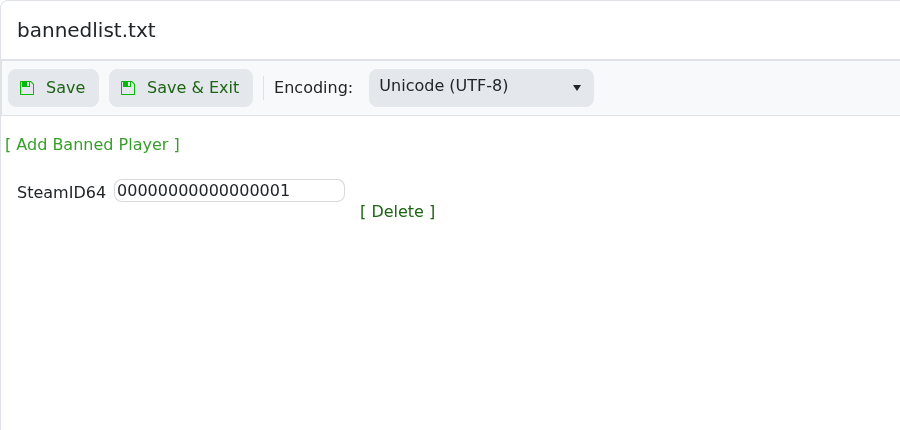
- Use [ Delete ] next to a row to remove a ban.
- Click Save & Exit, then restart the server.
- In-game admins can also use
ban,unban, andbannedfrom the Valheim console.


