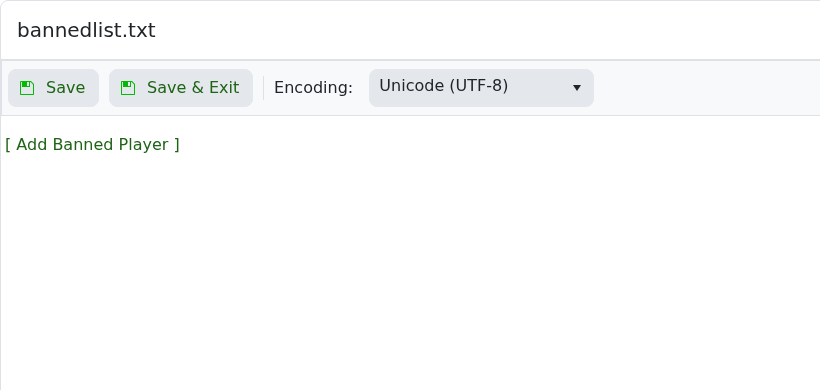
Valheim stores manual ban entries in bannedlist.txt, and server admins can also ban or unban players from the in-game console. Use the Config Editor when you need to add, review, or remove ban entries from the panel.

  1. Open your Valheim server in the control panel.
  2. Click Configuration Files.
  3. Open bannedlist.txt with Config Editor.

    Valheim bannedlist.txt Config Editor

  4. Click [ Add Banned Player ].
  5. Enter the player SteamID64 in the SteamID64 field.
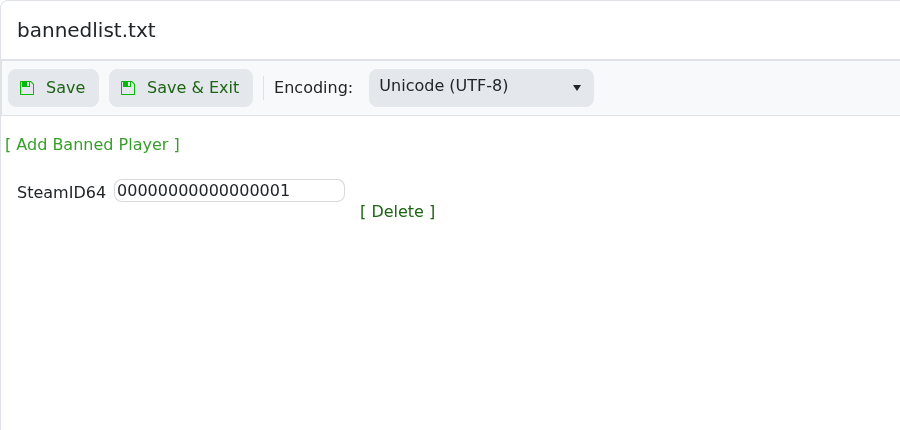
    Valheim bannedlist.txt showing Add Banned Player SteamID64 field

  6. Use [ Delete ] next to a row to remove a ban.
  7. Click Save & Exit, then restart the server.
  8. In-game admins can also use ban, unban, and banned from the Valheim console.
  • 0 用戶發現這個有用
這篇文章有幫助嗎?

相關文章

Changing the name of your Valheim Server

The Valheim server name is stored in the server settings file. Change it from the server.bat...

Changing the password of your Valheim Server

Use the server.bat Config Editor to set or change the Valheim join password. Valheim passwords...

Changing the world that your Valheim Server loads

The Valheim World field tells the server which world save to load. The value must match the world...

How to upload a world to your Valheim Server

Upload a Valheim world when you want your server to run a world from your own PC or another...

How to make yourself admin on a Valheim Server

Valheim server admins are listed in adminlist.txt. Add your SteamID64 to that file, save it, then...