
If a Palworld server password does not work, first confirm whether players are joining through the community server list or direct connect. Password-protected Palworld servers are usually clearest through the community list because the game can show the password prompt during the normal join flow.

  1. Open PalWorldSettings.ini with Config Editor: Adding a password to your Palworld Server.
  2. Confirm the password in Server Password.
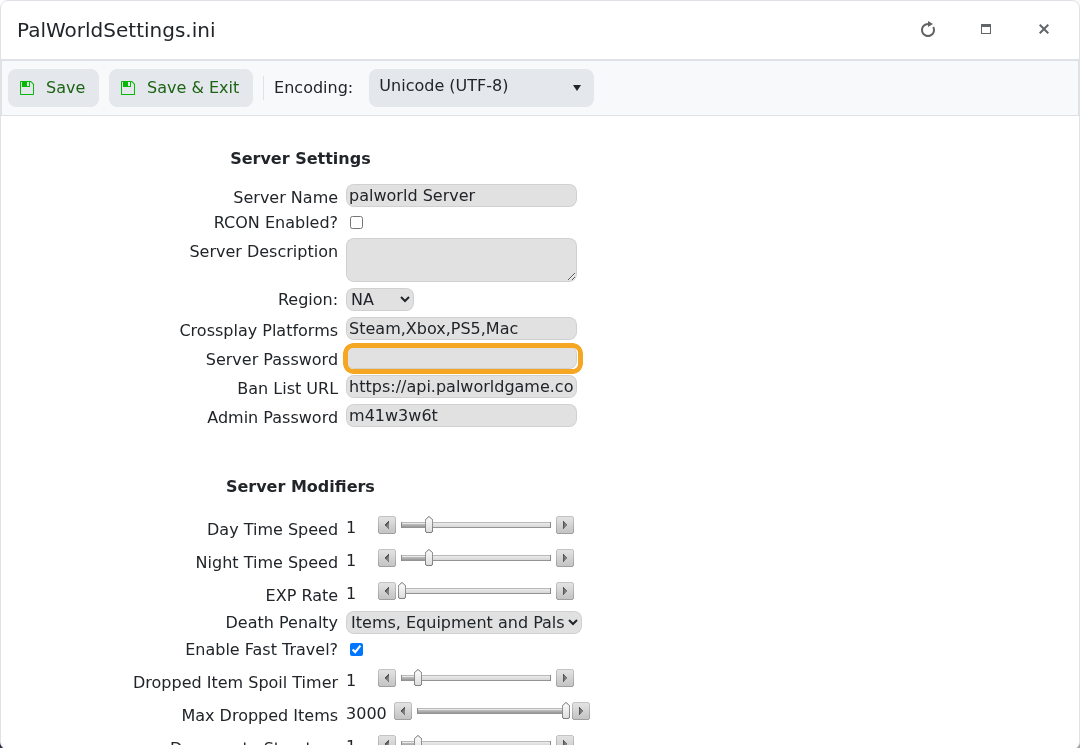
    Palworld Config Editor showing the Server Password field

  3. Click Save & Exit, then restart the server.
  4. Ask players to search for the server from the community server list: How to join a Palworld server.
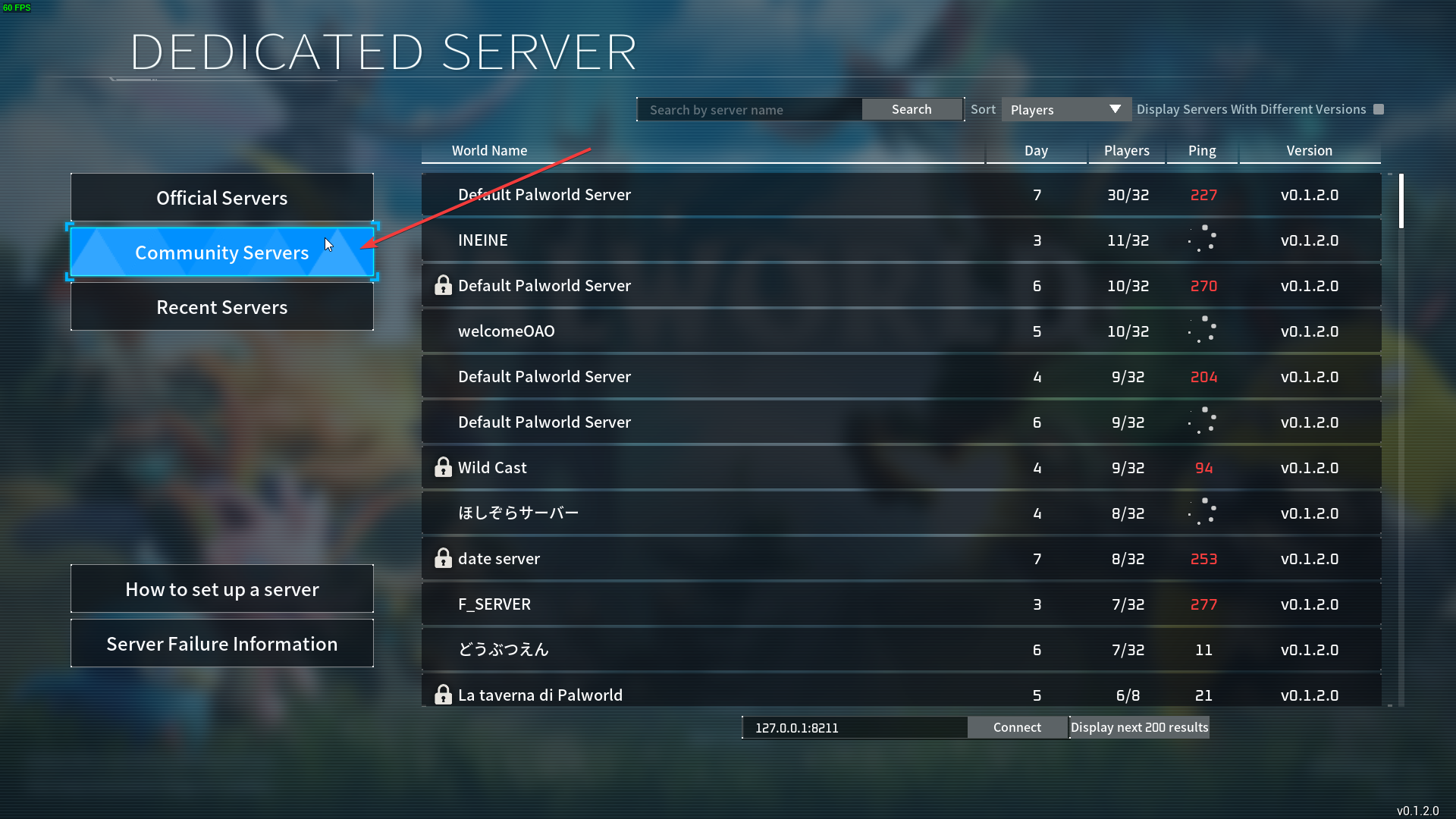
    Palworld community server list search box

  5. Select the server and enter the password when Palworld asks for it.
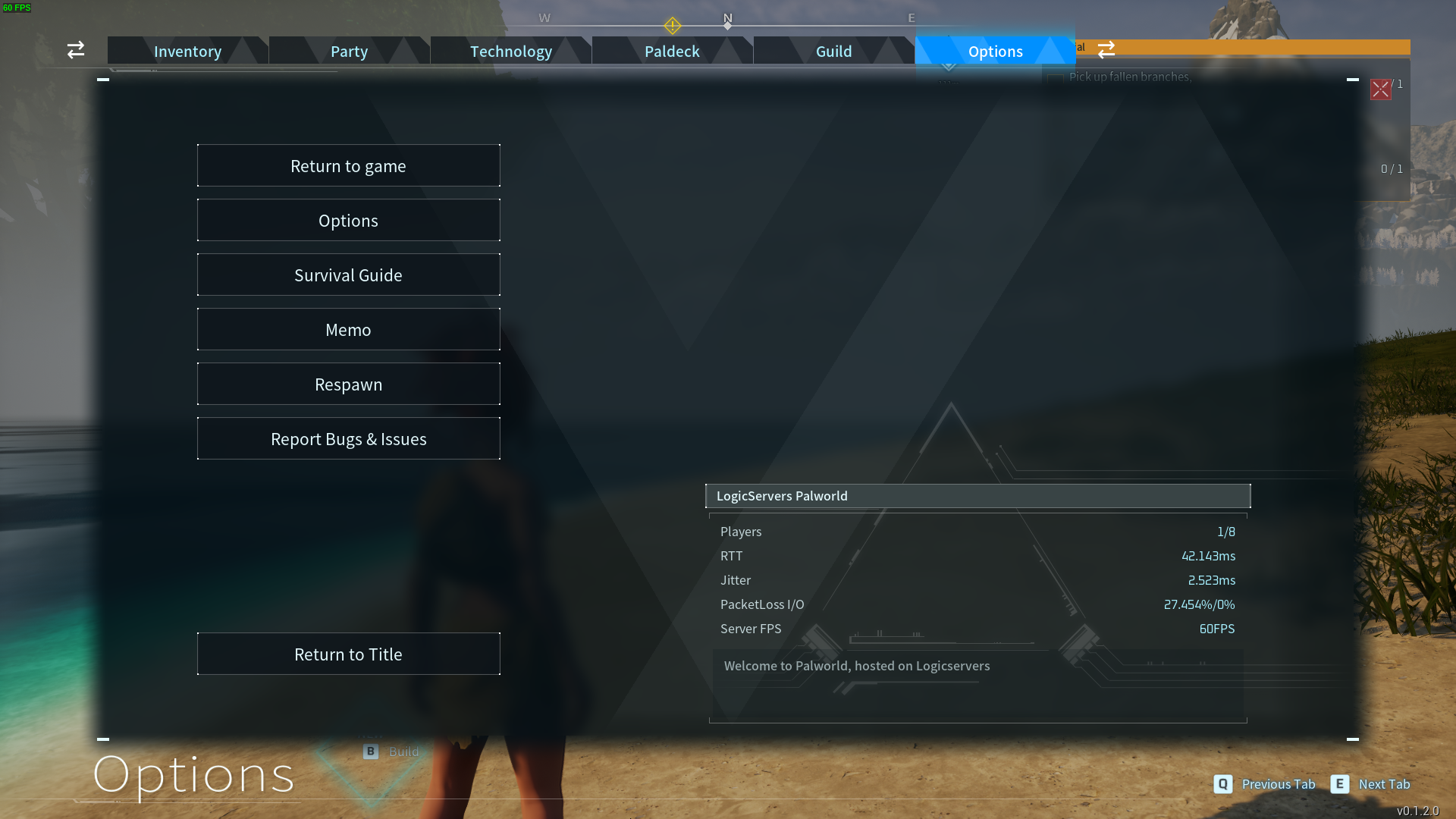
    Palworld password prompt shown after selecting a password protected server

Passwords are case-sensitive. If the old password still works, the server probably has not restarted since the change. If the server does not appear in the list, use the listing troubleshooting guide: Why is my Palworld server not showing up in-game?.


  • 0 Benutzer fanden dies hilfreich
War diese Antwort hilfreich?

Mehr zum Thema

What are the admin commands for a Palworld server

Palworld admin commands let you save the world, broadcast messages, kick or ban players,...

How to ban or unban players on your Palworld server

Ban disruptive players by using the in-game admin command or by adding their SteamID to the...

Adding a password to your Palworld Server

Add a server password when you want your Palworld server to be private or limited to invited...

How to edit the Configuration Files on your Palworld server

Most Palworld server settings are changed from PalWorldSettings.ini. Use Config Editor for common...

How to join a Palworld server

Use the Palworld multiplayer menu to search for your server by name, or use direct connect with...
