
Arma 3 multiplayer missions are usually uploaded as .pbo files into the MPMissions folder. After uploading the mission, add it to the class Missions block in server.cfg so the server knows what to load.
- Open your Arma 3 server in the control panel.
- Stop the server.
- Click File Manager.
- Open the
mpmissionsfolder. This is where Arma 3 multiplayer mission.pbofiles are stored.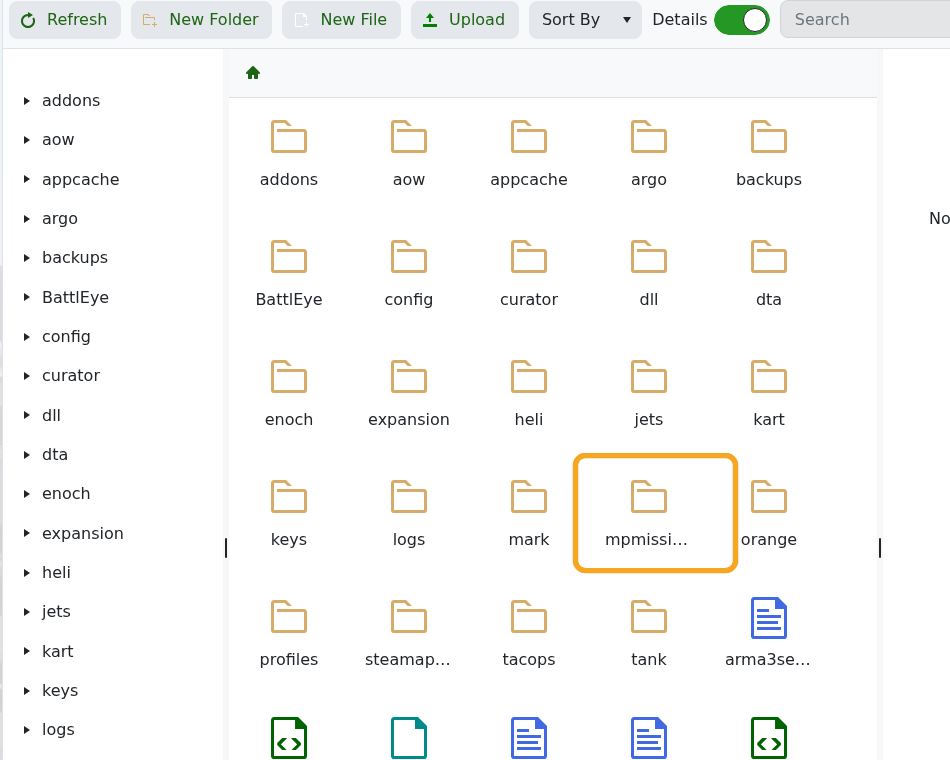
- Click Upload and upload your mission
.pbofile.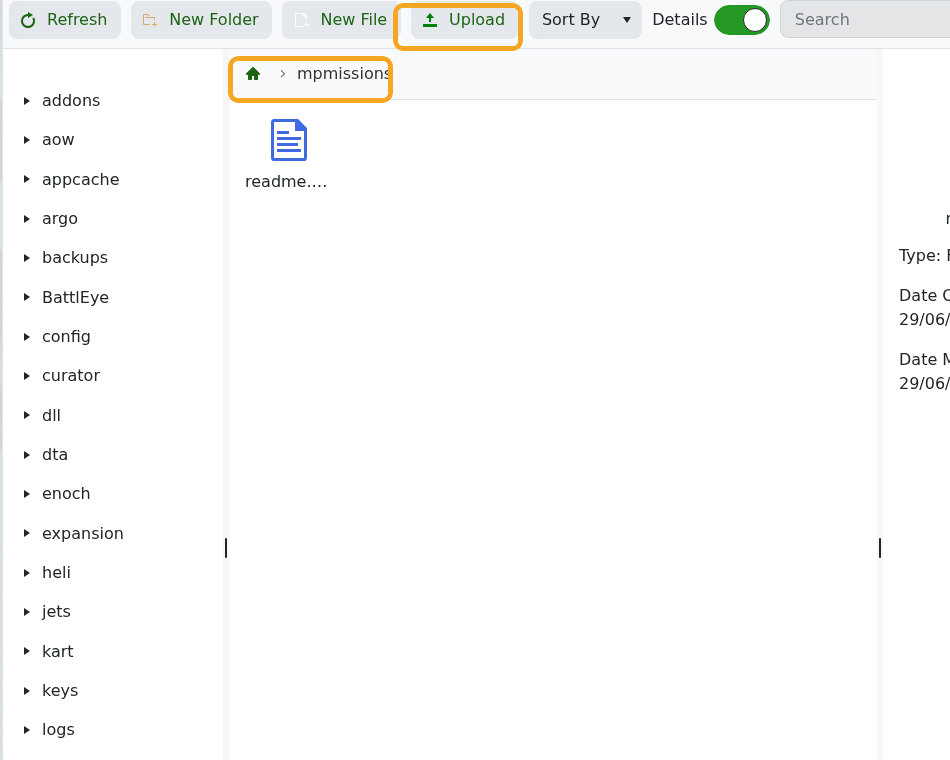
- Click Configuration Files.
- Open
server.cfgwith Text Editor.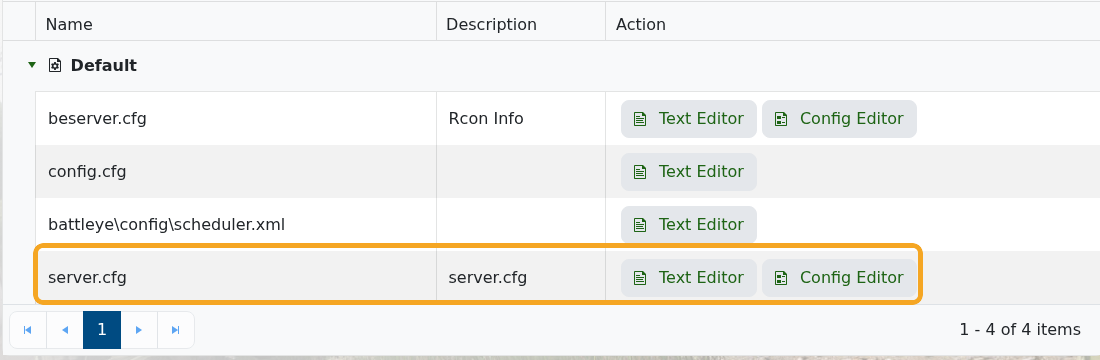
- Edit the
class Missionsblock for your mission. Use Search or the expanded editor view if you need more space while editing the file.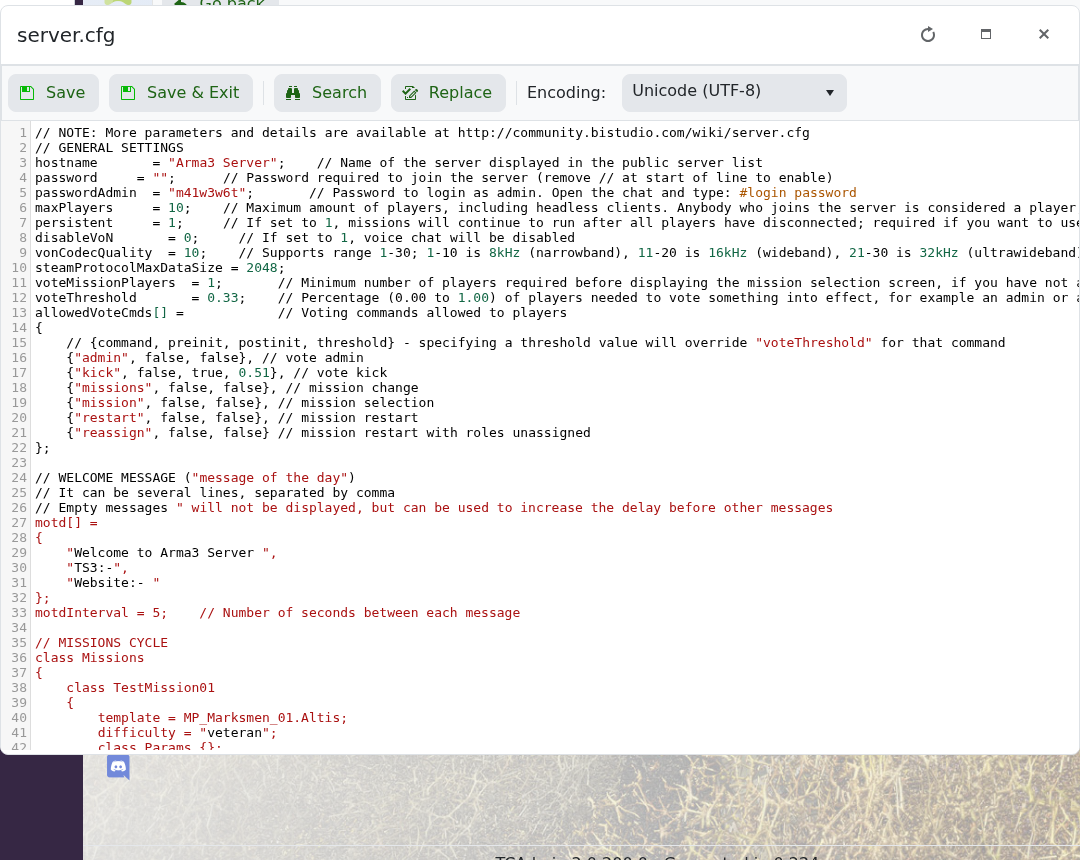
- Click Save & Exit, then start the server.
Example mission block:
class Missions
{
    class Mission1
    {
        template = "Mission1.Altis";
        difficulty = "Regular";
    };
};
Do not include .pbo in the template value. For example, a file named Mission1.Altis.pbo should normally use template = "Mission1.Altis";.


