
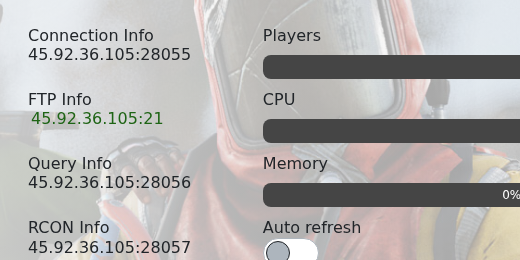
Use the server address from your control panel to join your Rust server. You can search for the server in Rust's server browser, or use the address from Connection Info if the browser does not show it straight away.
- Open your Rust server in the control panel.
- Copy the address from Connection Info. Use the main game port, not the RCON or query port.
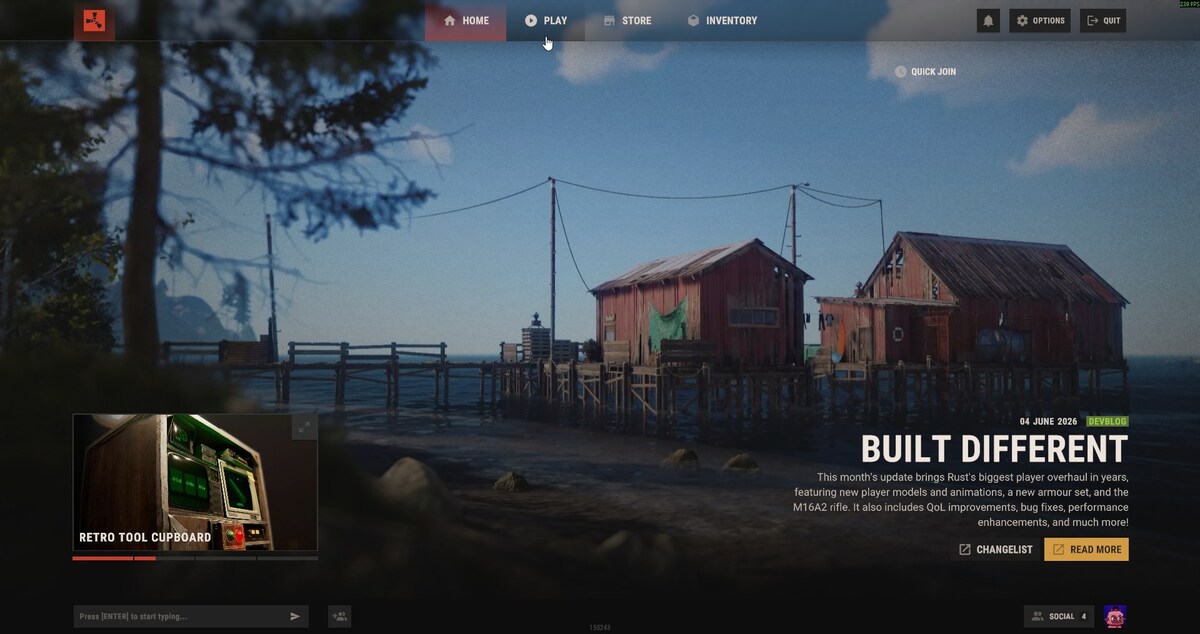
- Launch Rust, then open the Play tab.
- Open the server browser. You can browse the normal server tabs, or use the search box to look for your server name.
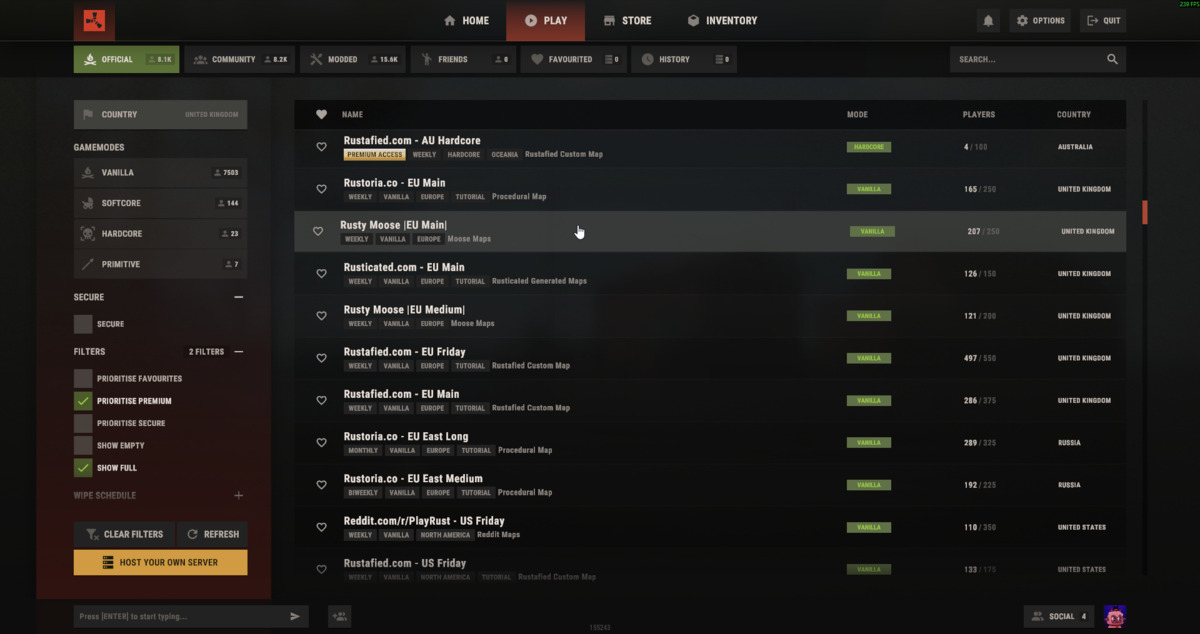
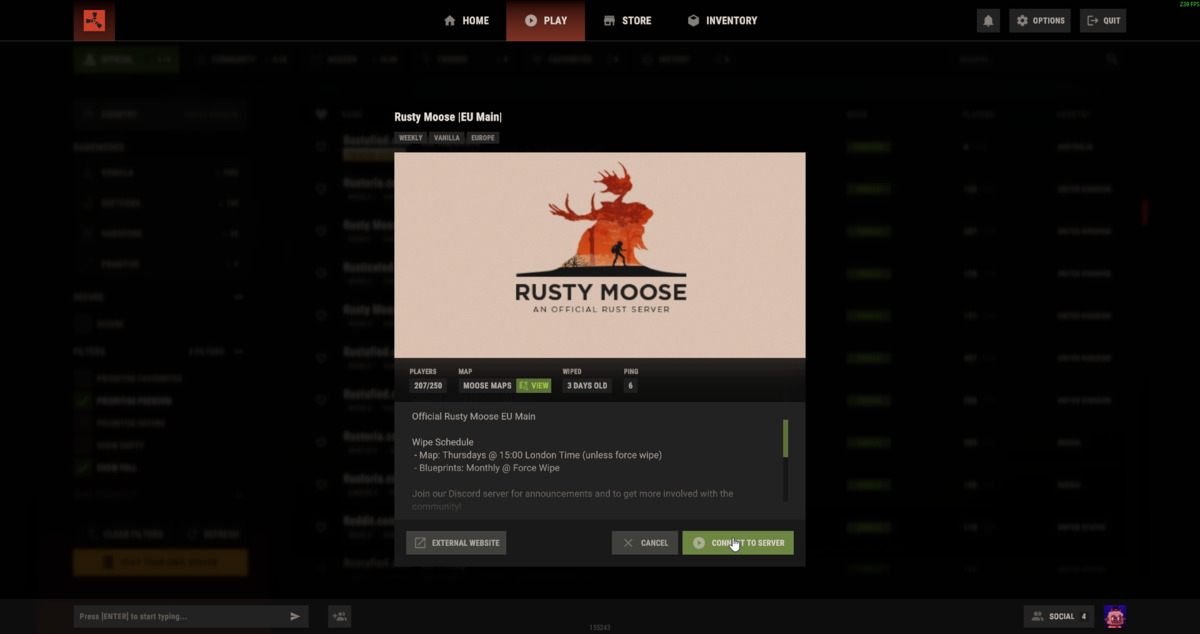
- Select your server from the list. Check the name, player count, map, and ping to make sure you have selected the correct server.
- Click Connect to Server to join.
If the server does not appear, make sure it is running and give the Rust server browser a few minutes to update. You can also connect using the IP and port from Connection Info if browser search is slow.


