Use the server address from your control panel to join your Rust server. You can search for the server in Rust's server browser, or use the address from Connection Info if the browser does not show it straight away.

  1. Open your Rust server in the control panel.
  2. Copy the address from Connection Info. Use the main game port, not the RCON or query port.
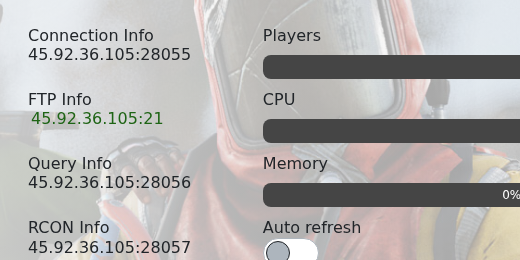
    Rust control panel Connection Info showing server address and ports

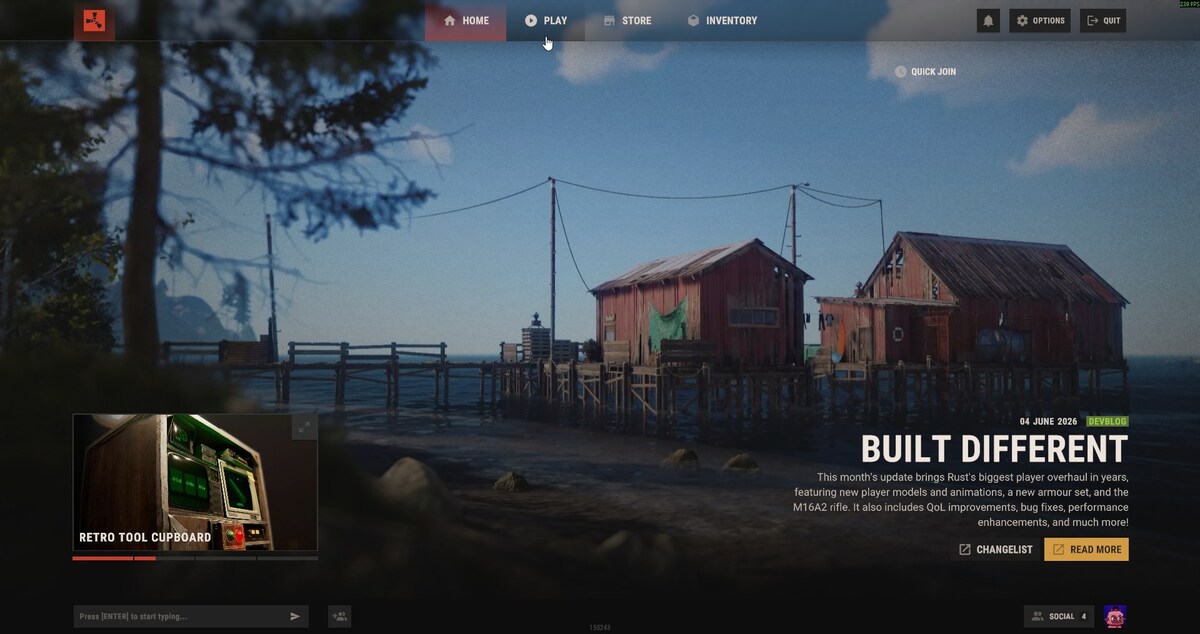
  3. Launch Rust, then open the Play tab.

    Rust home screen with the Play tab available

  4. Open the server browser. You can browse the normal server tabs, or use the search box to look for your server name.
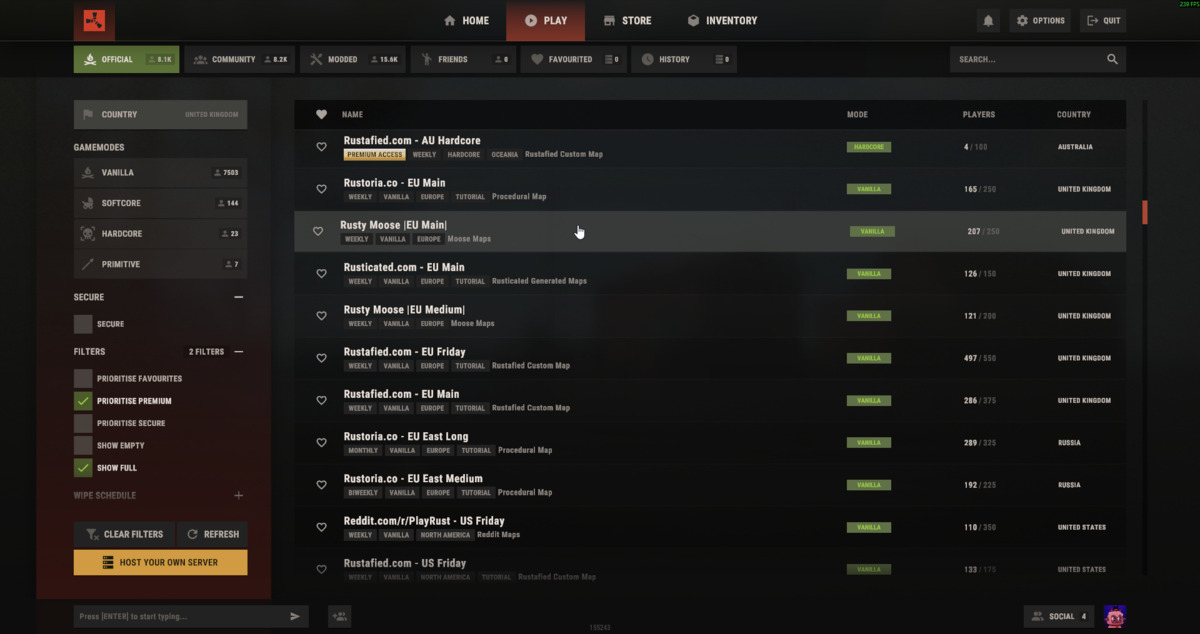
    Rust server browser showing the server list

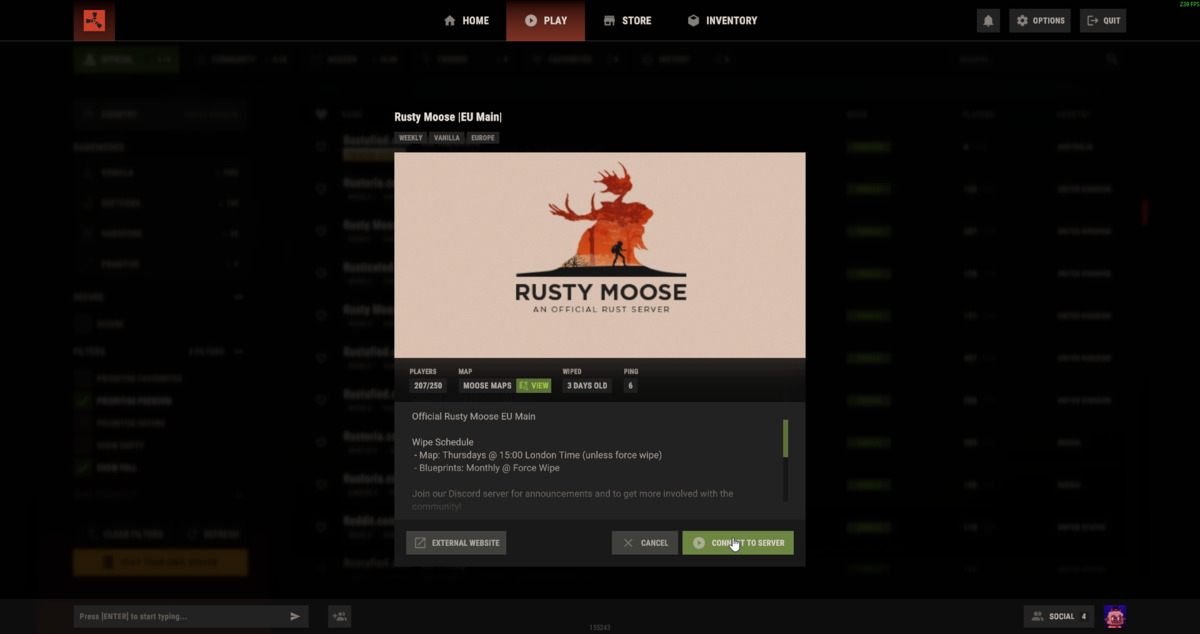
  5. Select your server from the list. Check the name, player count, map, and ping to make sure you have selected the correct server.
  6. Click Connect to Server to join.

    Rust server details window showing Connect to Server

If the server does not appear, make sure it is running and give the Rust server browser a few minutes to update. You can also connect using the IP and port from Connection Info if browser search is slow.


  • 24 Bu dökümanı faydalı bulan kullanıcılar:
Bu cevap yeterince yardımcı oldu mu?

İlgili diğer dökümanlar

Making yourself admin on a Rust Server

Rust admin access lets a trusted player run server commands, moderate players, save/write config...

Installing Rust: IO on your Rust Server

Rust:IO is an older mapping/plugin ecosystem for Rust servers. On our Rust panel, Rust:IO is...

Wiping the world of your Rust server

Wiping and resetting a Rust server are the same basic workflow: remove the current saved data so...

Creating a custom command line for your Rust server

Rust command lines control startup-only options such as RCON, WebRCon, logs, map size, save...

Changing the name of your Rust server

Your Rust server name is what players see in the Rust server browser and in their favourites...