
Most manual Valheim mods use BepInEx. On this Valheim service, Mod Manager does not show a standalone BepInEx installer; it shows server branch options and Valheim Plus. Use Mod Manager for Valheim Plus, and use the manual BepInEx upload flow for other BepInEx-based mods.
- Take a backup first.
- Check Mod Manager. If the mod you need is listed there, install it from the panel instead of uploading files manually.
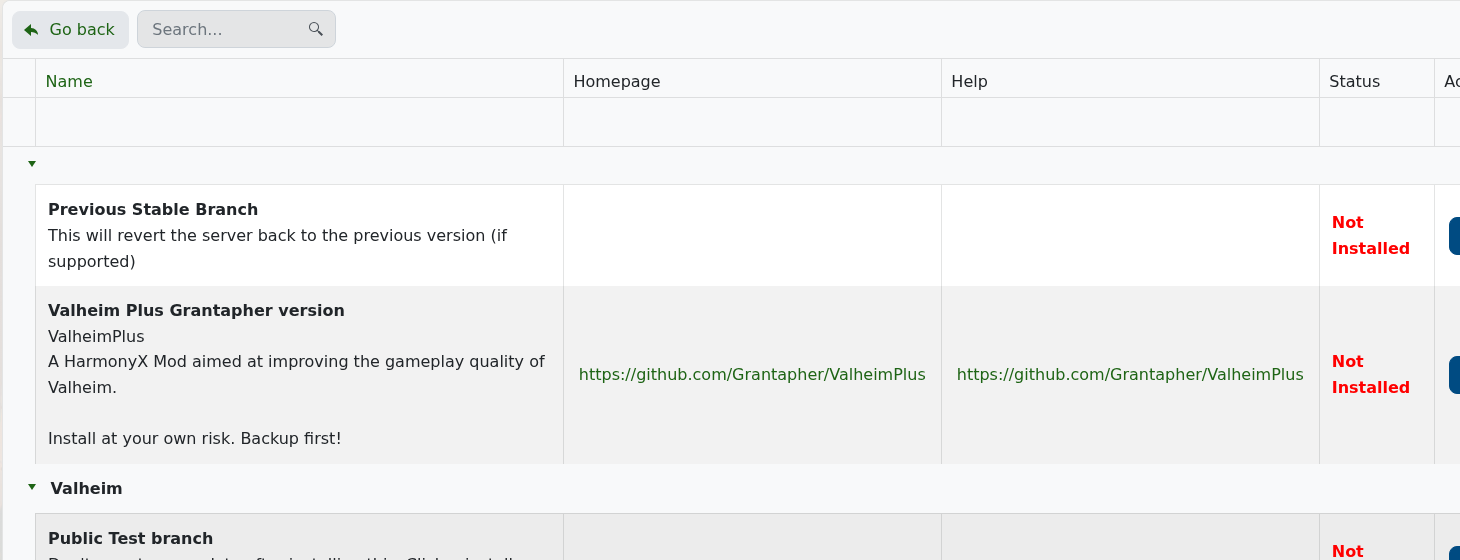
- For a manual BepInEx mod, download the Valheim-compatible BepInExPack Valheim from Thunderstore: BepInExPack Valheim.
- Stop the server.
- Open File Manager.
- Upload the BepInEx pack contents into the Valheim server root, next to
valheim_server.exe. After extraction you should have folders such asBepInExin the server root.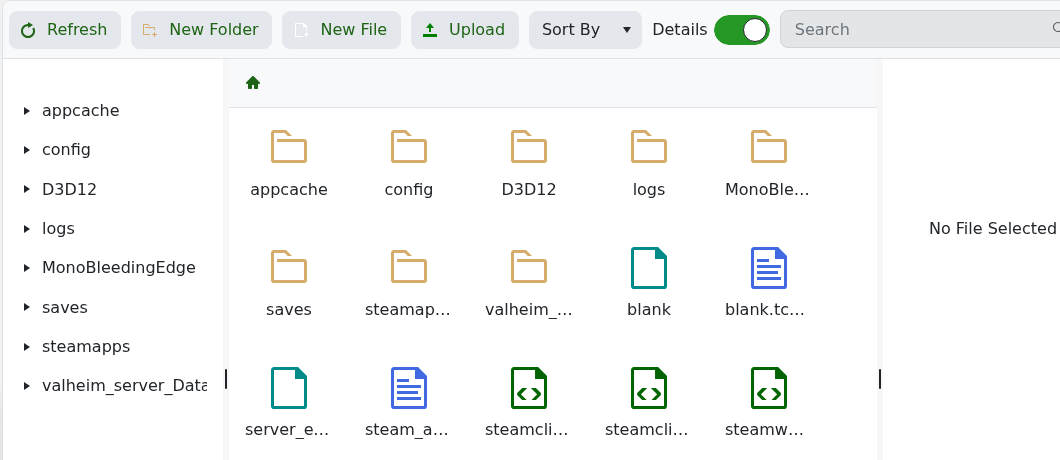
- Upload mod plugin
.dllfiles intoBepInEx/plugins. If the mod includes config files, upload them to the path listed by the mod author. - Start the server once so BepInEx creates any missing folders and config files.
- Stop the server again, edit generated mod configs if needed, then start the server.
Valheim Plus is separate from this generic manual-mod flow; use How to install Valheim Plus on your Valheim Server for that. If you are not sure where a mod file goes, submit a support ticket with the mod link before uploading it to a live server.


