
You can join a Windrose server by using the server invite code, or by connecting directly with the server IP and port.
Need a server? Order a Windrose server.
Open The Server Join Menu
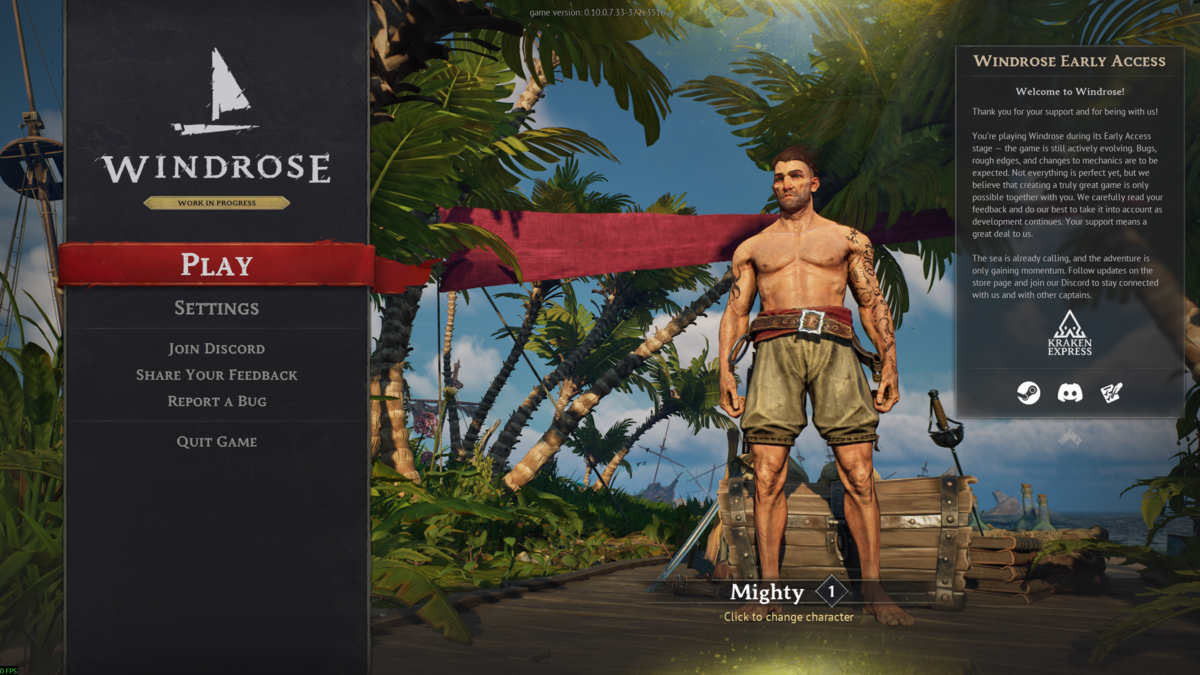
- Open Windrose, then click Play.
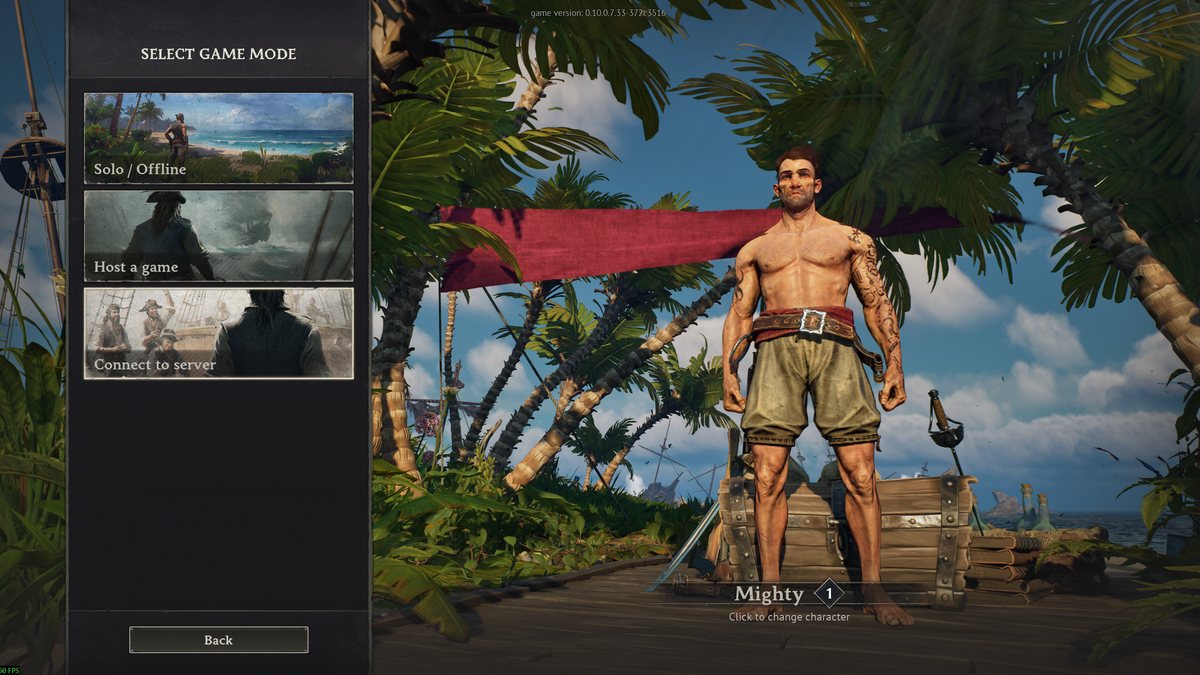
- Click Connect to server.
Join With An Invite Code
If you do not have the invite code yet, use this guide first: How to find your Windrose server join code.
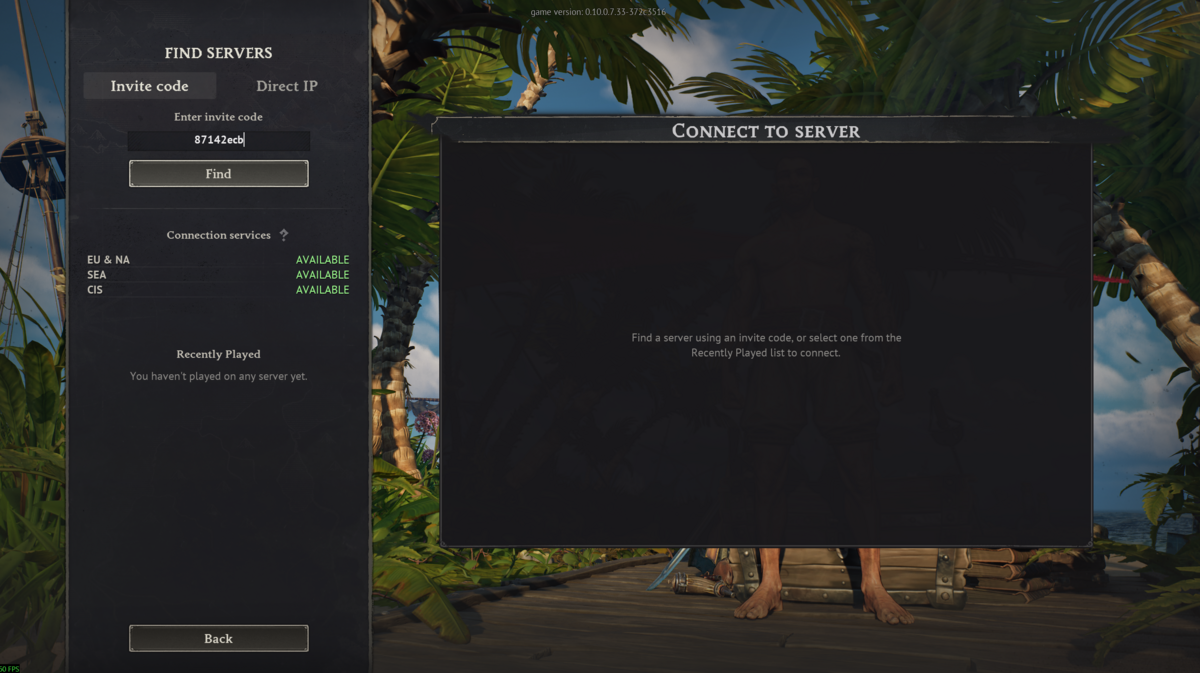
- Click the Invite code tab.
- Enter the server invite code, then click Find.
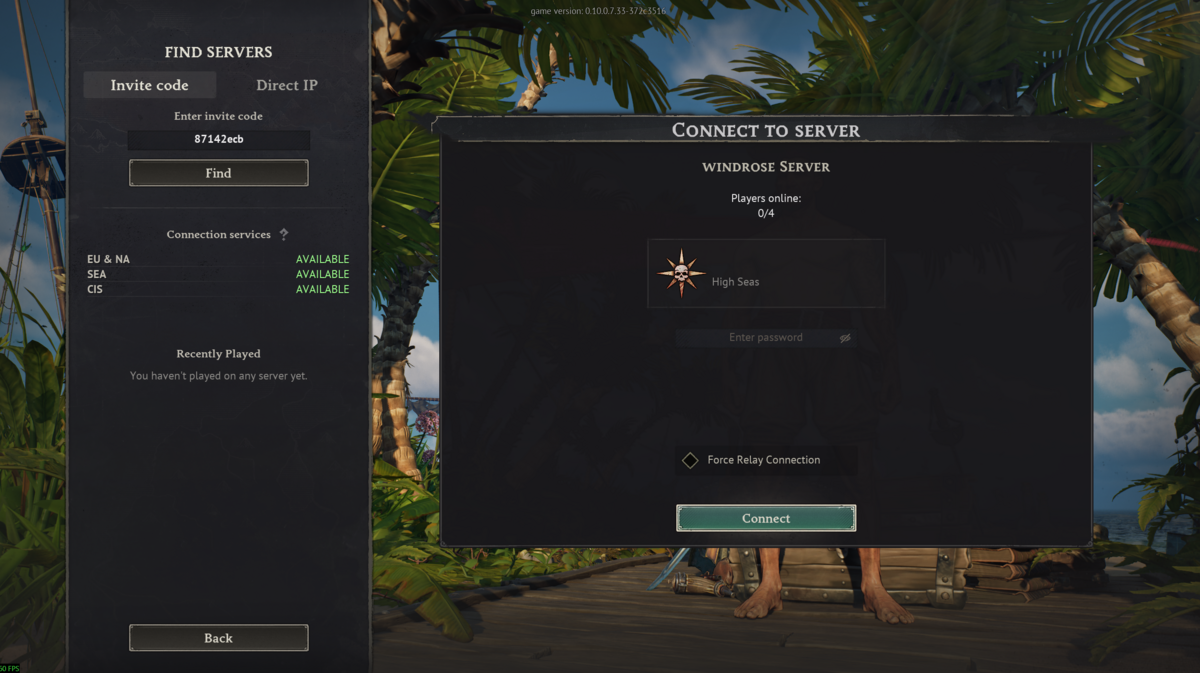
- Select the server that appears.
- If the server has a password, enter it in the password field. You can set or check the password here: How to set a password on your Windrose server.
- Click Connect.
Join With Direct IP
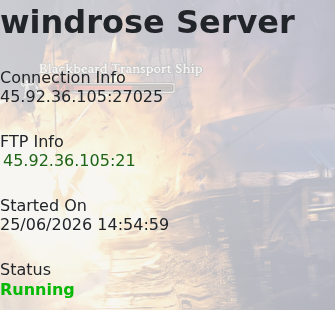
- Open your server in the game panel and copy the IP address and port from the Connection Info box.
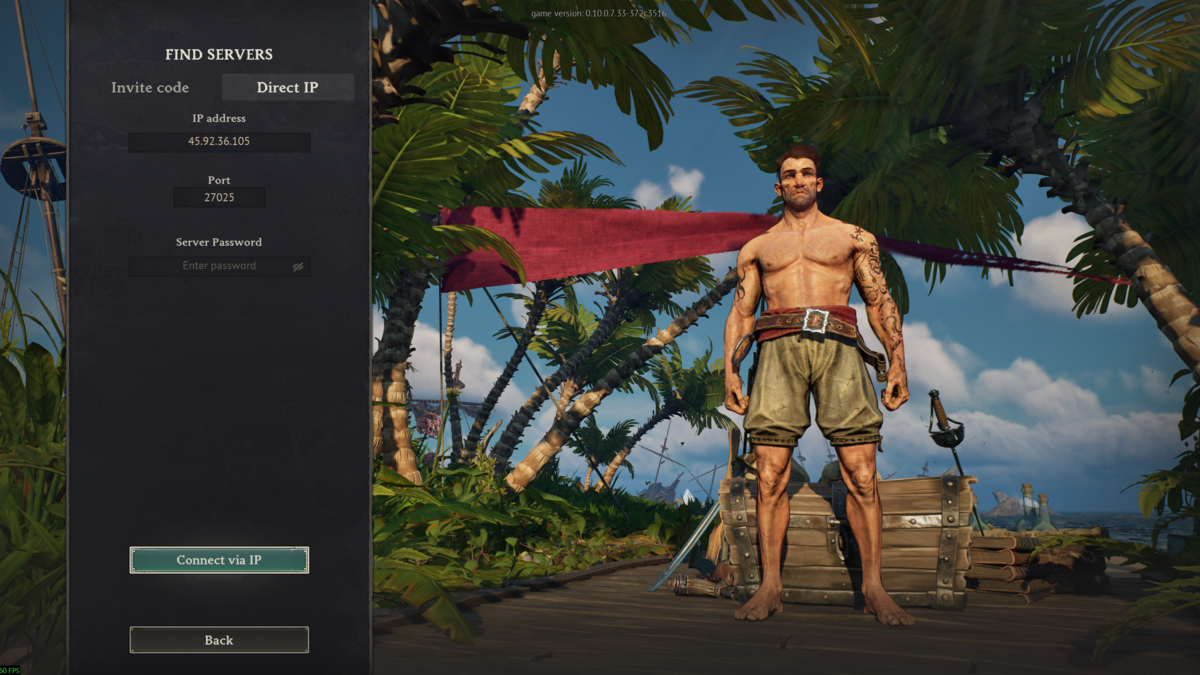
- Click the Direct IP tab in Windrose.
- Enter the server IP address.
- Enter the server port.
- If the server has a password, enter it in the Server Password field.
- Click Connect via IP.
If you cannot connect, check that the server is online, the invite code or IP and port are correct, and the password is correct if one is set.
If you still need help joining, submit a support ticket.


