
Vintage Story updates are handled through the server egg and reinstall process on the control panel. Reinstalling refreshes the server files for the selected release branch/version.
- Open your Vintage Story server in the control panel.
- Stop the server and take a backup before changing version or reinstalling server files.
- If you need a specific release branch or version, click Startup and update the release options first. Leaving the version blank will use the egg's default/latest behaviour for that branch.
- Click the Settings tab.
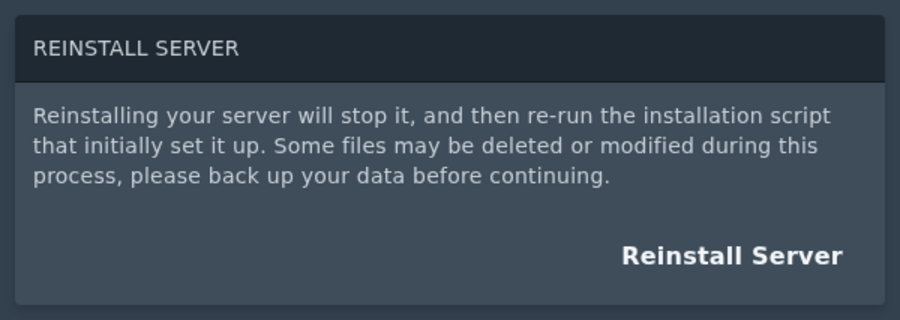
- Click Reinstall Server and confirm the reinstall.
- Wait for the install to finish, then start the server again.
If the server does not start after an update, check the console first. Outdated mods are one of the most common causes after a version change.


