
Vintage Story updates are handled through the server egg and reinstall process on the control panel. Reinstalling refreshes the server files for the selected release branch/version.


  1. Open your Vintage Story server in the control panel.
  2. Stop the server and take a backup before changing version or reinstalling server files.
  3. If you need a specific release branch or version, click Startup and update the release options first. Leaving the version blank will use the egg's default/latest behaviour for that branch.
  4. Click the Settings tab.
  5. Click Reinstall Server and confirm the reinstall.
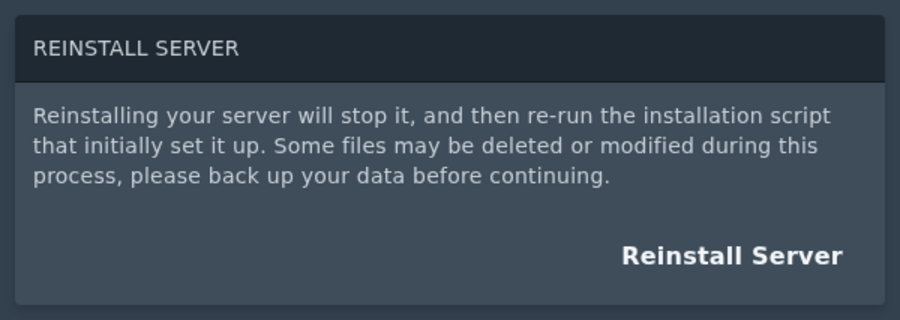
    Vintage Story reinstall server option

  6. Wait for the install to finish, then start the server again.


If the server does not start after an update, check the console first. Outdated mods are one of the most common causes after a version change.


  • 0 Uživatelům pomohlo
Byla tato odpověď nápomocná?

Související články

How to join a Vintage Story server

You can join your Vintage Story server using the address shown on the Console page of your...

Installing mods on your Vintage Story server

Vintage Story server mods should be uploaded to the server's Mods folder. Always check the mod...

How to backup your Vintage Story server

A backup gives you a restore point before changing mods, updating versions, or making larger...

How to restore your Vintage Story server from a backup

Restoring a backup rolls the server files back to the point where that backup was created. This...

How to change the max players on your Vintage Story server

The max player count for your Vintage Story server is controlled from the Startup page.  ...
