
Extra port allocations are used when a server needs another connection port. This is commonly needed for plugins, voice chat, query ports, or games that use more than one port.
Create an allocation
- Open your server in the Ptero control panel, then open Network.
- If you have an allocation slot available, click Create Allocation.
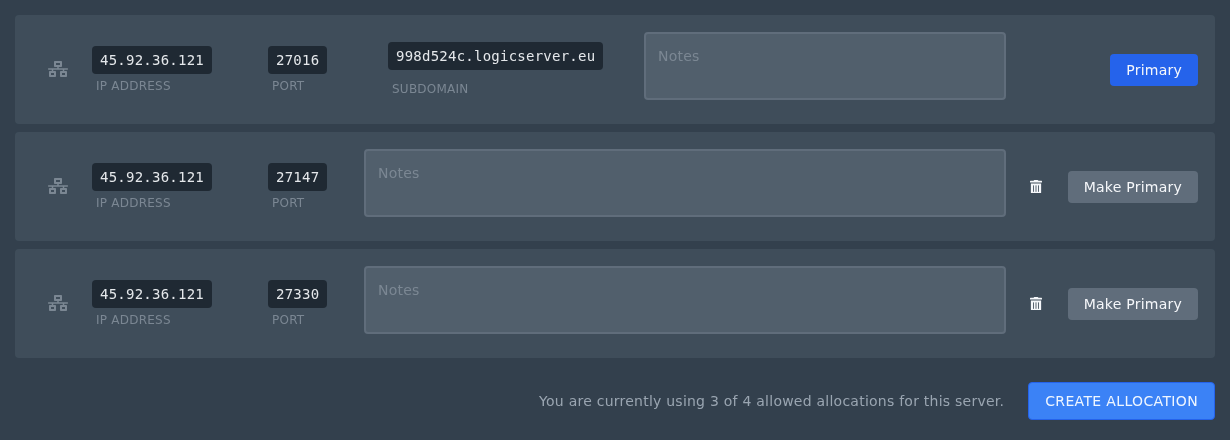
- The panel will add a new IP and port to the Network page.
- Use that new port in the plugin, mod, or server setting that needs an extra port.
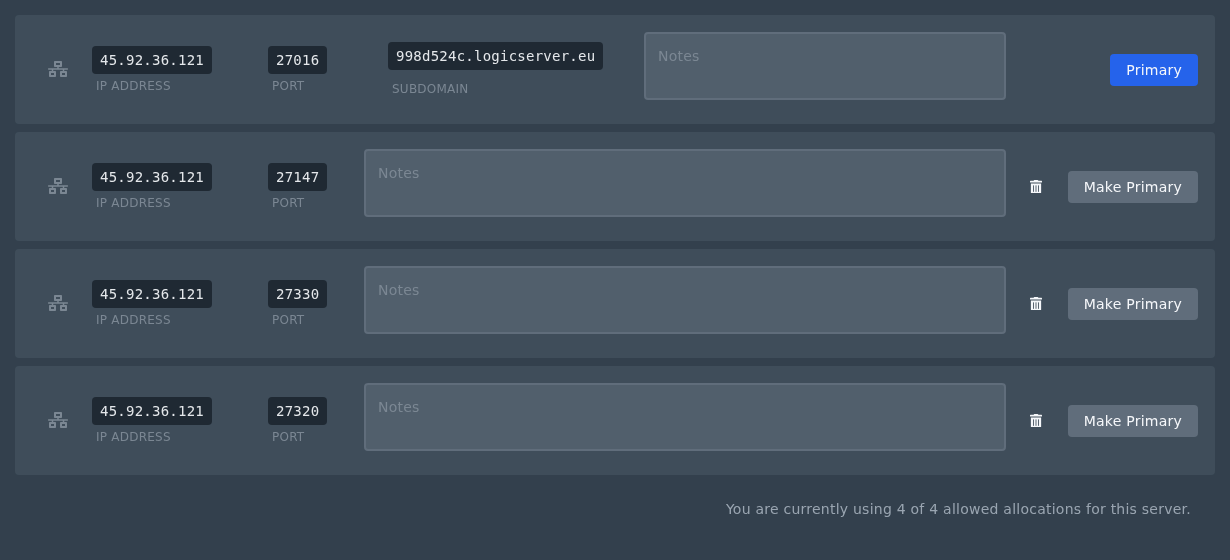
You normally do not need to click Make Primary. The primary allocation is the main server address, and your panel subdomain points to that allocation. If you need to change your panel subdomain, see: Creating a custom subdomain on the Ptero panel.
If you do change the primary allocation, your panel subdomain will point to the allocation you choose. Restart the server after changing the primary allocation.
You can remove an unused allocation by clicking the bin icon next to it. If you need a different extra port, remove an unused allocation first, then click Create Allocation again.
If you do not have a spare allocation slot available, submit a support ticket and let us know what you need the extra port for.


