
Reinstalling runs the server install process again. This can be useful if the server files are broken, you want to rebuild the server software, or you need the panel to download the latest available server files for that game or egg.
Reinstall the server
- Stop the server and take a backup of anything you want to keep.
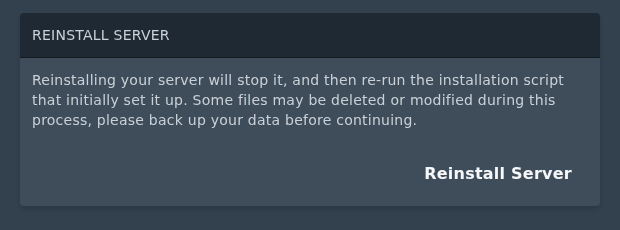
- Open Settings, then find Reinstall Server and click Reinstall Server.
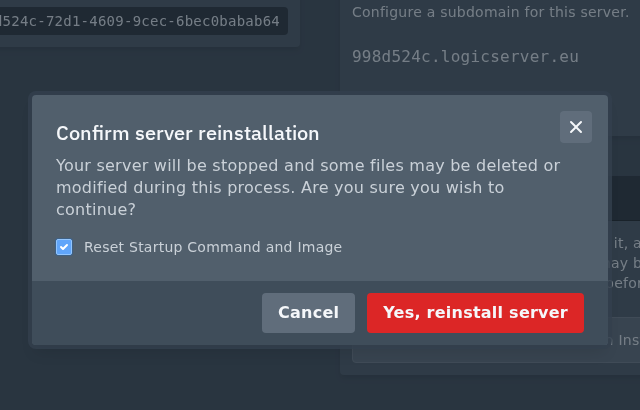
- Read the confirmation prompt. If you want to reset the startup command and Docker image back to the egg defaults, tick Reset Startup Command and Image.
- Click Yes, reinstall server.
Reinstalling can replace, reset, or remove files depending on the game or egg. Do not reinstall until you have backed up anything important, especially worlds, saves, configs, plugins, and mods. After the reinstall finishes, start the server from Console and check that it comes online normally.


