
This guide shows you how to upload PocketMine plugins to your Minecraft Bedrock server.
If PocketMine is not installed yet, set that up first: How to install PocketMine on your Minecraft Bedrock server.
Upload the plugin
- Download the plugin file you want to use. PocketMine plugins are usually
.pharfiles, and you can find them on the Poggit PocketMine plugin repository. - Open your PocketMine server in the control panel, then open Files.
- Open the
pluginsfolder and upload the plugin file into it.
You can drag and drop it into the File Manager, or use FileZilla if the file is large: How to connect to SFTP using FileZilla.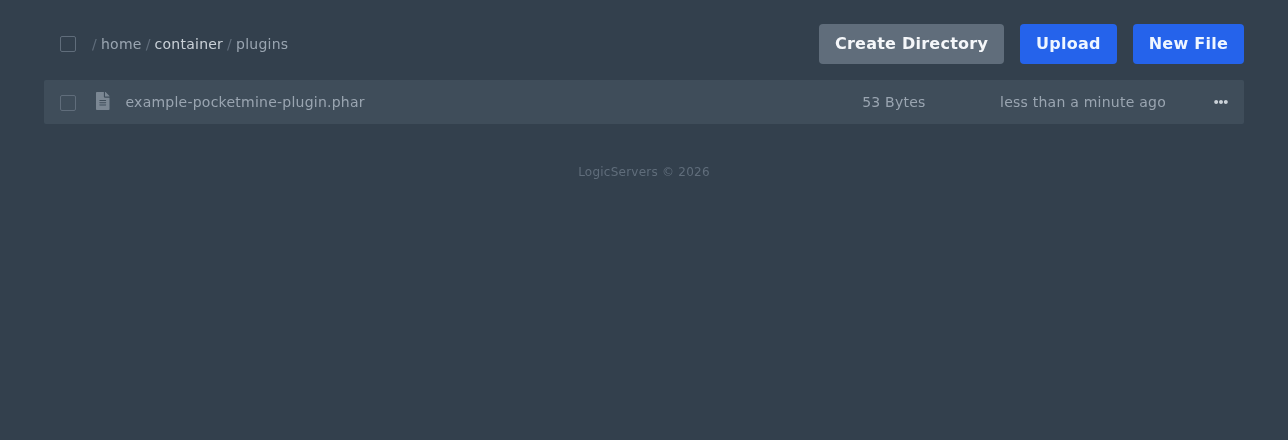
- Restart the server from Console.
Check the plugin loaded
- Open Console after the restart.
- Look for the plugin loading message or any plugin errors.
- If the plugin creates a config file, it will usually appear in
plugin_dataafter the first restart. - If the server stops during startup, remove the plugin file and restart again. Then check the plugin version, dependencies, and PocketMine version.


