
Most Dragonwilds server settings are managed in DedicatedServer.ini from the Configuration Files page.

Edit DedicatedServer.ini

  1. Open your Dragonwilds server in the control panel.
  2. Stop the server before changing settings.
  3. Click Configuration Files on the left side menu.
  4. Find DedicatedServer.ini, then open it with Text Editor or Config Editor.
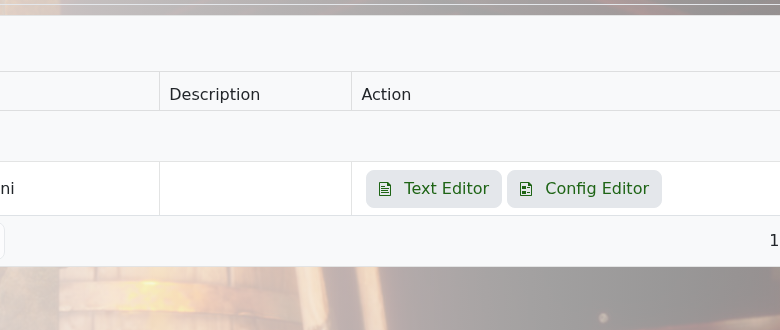
    Dragonwilds configuration files page

  5. Make your changes, then click Save & Exit.
  6. Start the server again.

Take a backup before changing multiple settings at once. That gives you an easy restore point if the server does not start afterwards.


  • 0 Benutzer fanden dies hilfreich
War diese Antwort hilfreich?

Mehr zum Thema

How to backup your Dragonwilds Server

Dragonwilds servers include scheduled backups, but it is still worth taking a manual backup...

How to restore your Dragonwilds Server from a backup

You can restore a Dragonwilds backup if a setting change, mod install, update, or world change...

How to join a Dragonwilds Server

You can find your Dragonwilds server connection details on the server home page in the control...

How to Change Your Dragonwilds Username

Dragonwilds player names are handled by the game client rather than the server control panel. If...

Dragonwilds Server RAM Recommendations

The right RAM amount for a Dragonwilds server depends on player count, world activity, mods, and...
