
Most Dragonwilds server settings are managed in DedicatedServer.ini from the Configuration Files page.
Edit DedicatedServer.ini
- Open your Dragonwilds server in the control panel.
- Stop the server before changing settings.
- Click Configuration Files on the left side menu.
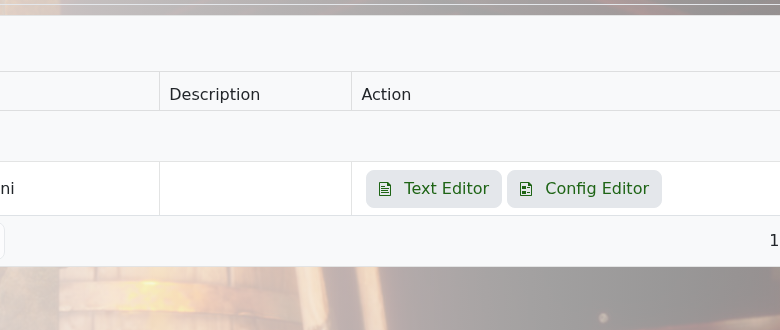
- Find DedicatedServer.ini, then open it with Text Editor or Config Editor.
- Make your changes, then click Save & Exit.
- Start the server again.
Take a backup before changing multiple settings at once. That gives you an easy restore point if the server does not start afterwards.


