
Dragonwilds worlds are stored in the server save files. To switch worlds, upload or restore the save you want the server to use.
Switch to another world
- Take a backup of the current server.
- Stop the server.
- Open File Manager.
- Go to RSDragonwilds > Saved > SaveGames.
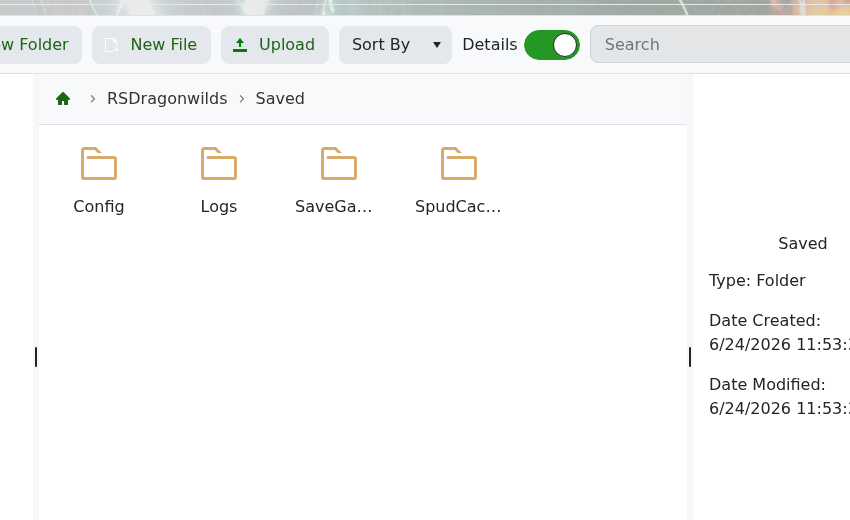
- Upload or restore the world save you want to use.
- Start the server again.
Keep the old world backed up until you have checked that the new world loads correctly.


