
UE4SS is used by some Dragonwilds mods. On our panel, you can install it from Mod Manager.

Install UE4SS

  1. Open your Dragonwilds server in the control panel.
  2. Stop the server.
  3. Click Mod Manager.
  4. Find UE4SS for RSDragonwilds, then click Install.
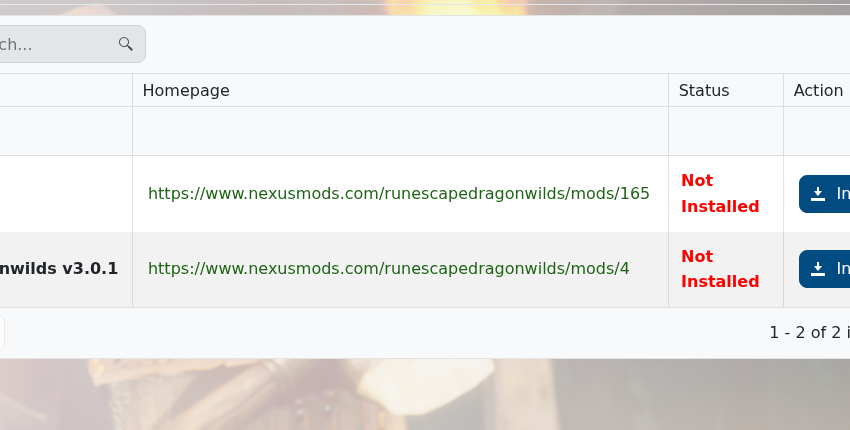
    UE4SS for RSDragonwilds in Mod Manager

  5. Wait for the install to finish, then start the server again.

After UE4SS is installed, follow the install instructions for the Dragonwilds mod you want to use. Some mods also need files uploaded with File Manager or SFTP: How to connect to SFTP using FileZilla.


  • 0 Utilisateurs l'ont trouvée utile
Cette réponse était-elle pertinente?

Articles connexes

How to backup your Dragonwilds Server

Dragonwilds servers include scheduled backups, but it is still worth taking a manual backup...

How to restore your Dragonwilds Server from a backup

You can restore a Dragonwilds backup if a setting change, mod install, update, or world change...

How to join a Dragonwilds Server

You can find your Dragonwilds server connection details on the server home page in the control...

How to Change Your Dragonwilds Username

Dragonwilds player names are handled by the game client rather than the server control panel. If...

Dragonwilds Server RAM Recommendations

The right RAM amount for a Dragonwilds server depends on player count, world activity, mods, and...
