
V Rising admin access is controlled by save-data/Settings/adminlist.txt. Add one SteamID64 per line, then restart the server.
- Find your SteamID64. If you need help, use How to find your personal Steam ID64 number.
- Open your V Rising server in the control panel and stop the server.
- Click Configuration Files.
- Click Text Editor next to
save-data\Settings\adminlist.txt.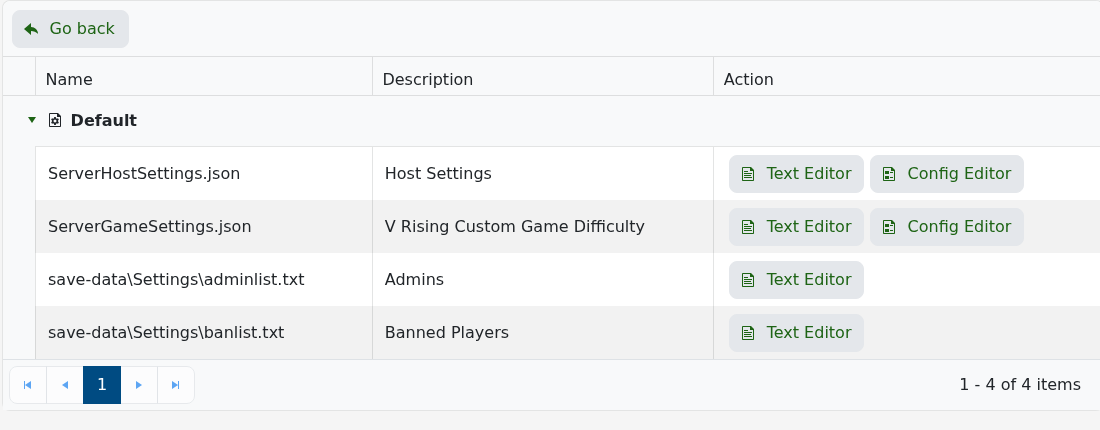
- Add the SteamID64 on its own line.
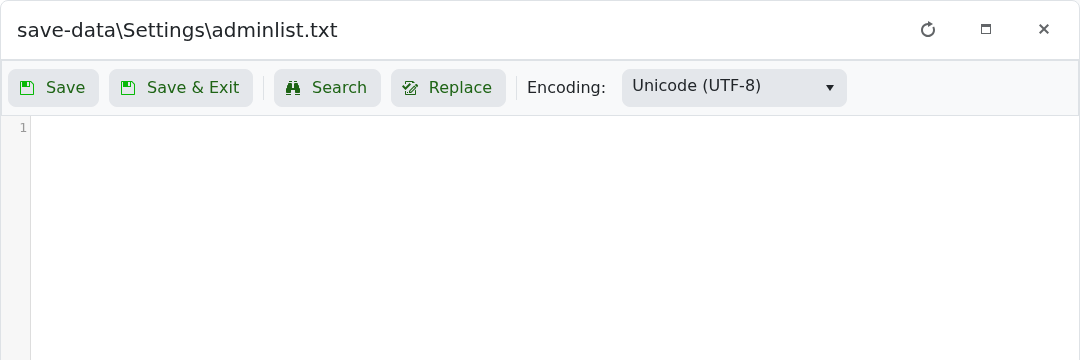
- Click Save & Exit, then start the server.
- Join the server, enable the console in the V Rising client settings if needed, open the console, and run
adminauth.
If admin access does not apply, check that the SteamID64 is correct and that there are no extra characters on the line.


