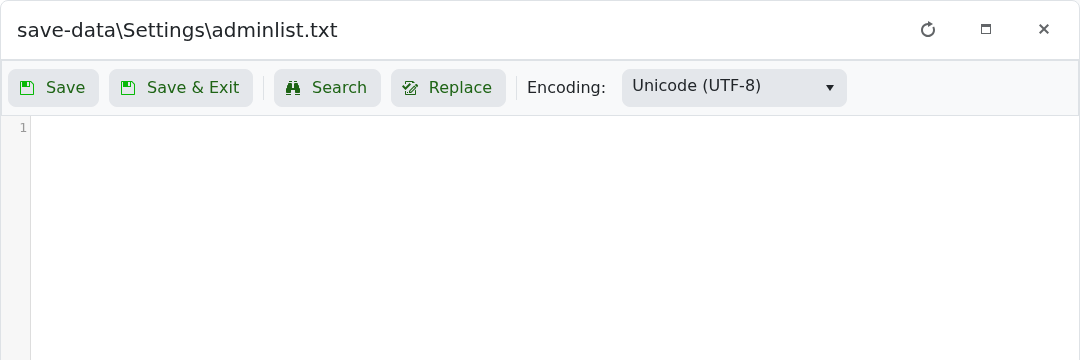
V Rising admin access is controlled by save-data/Settings/adminlist.txt. Add one SteamID64 per line, then restart the server.

  1. Find your SteamID64. If you need help, use How to find your personal Steam ID64 number.
  2. Open your V Rising server in the control panel and stop the server.
  3. Click Configuration Files.
  4. Click Text Editor next to save-data\Settings\adminlist.txt.
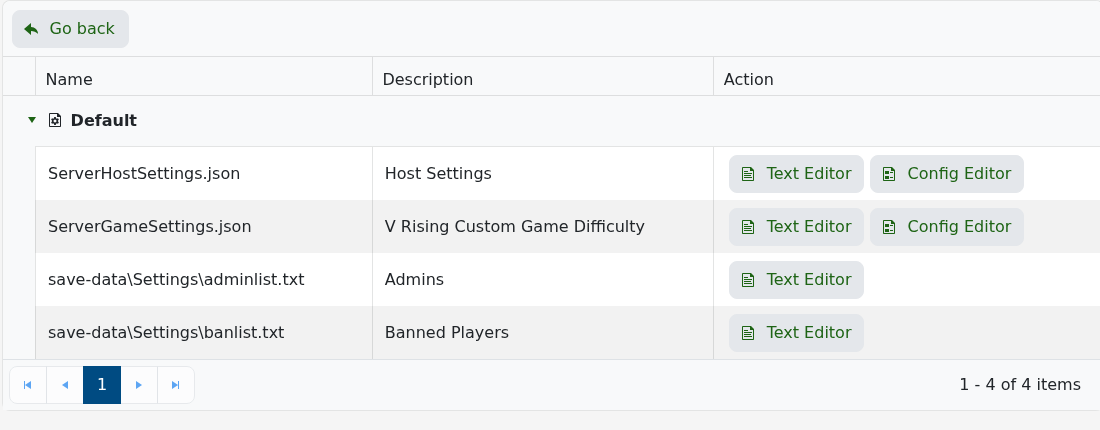
    V Rising Configuration Files showing adminlist.txt

  5. Add the SteamID64 on its own line.

    V Rising adminlist.txt Text Editor

  6. Click Save & Exit, then start the server.
  7. Join the server, enable the console in the V Rising client settings if needed, open the console, and run adminauth.

If admin access does not apply, check that the SteamID64 is correct and that there are no extra characters on the line.


  • 0 A felhasználók hasznosnak találták ezt
Hasznosnak találta ezt a választ?

Kapcsolódó cikkek

How to Update your V Rising Server

Awaken as a weakened Vampire after centuries of slumber. Hunt for blood to regain your strength...

How to change the name on your V Rising Server

Awaken as a weakened Vampire after centuries of slumber. Hunt for blood to regain your strength...

How to change the password on your V Rising server

Awaken as a weakened Vampire after centuries of slumber. Hunt for blood to regain your strength...

How to Backup your V Rising Server

Awaken as a weakened Vampire after centuries of slumber. Hunt for blood to regain your strength...

How to restore a backup on your V Rising server

Restoring a backup replaces the current V Rising server files with the files from the backup you...